Best Client Management Software for Productized Agencies [2026]
Compare the best client management software for productized agencies. Find the right platform for requests, billing, and client delivery.

Peace Akinwale

If you're searching for client management software, chances are you've spent time this week digging through email threads, Slack messages, and a project tool just to answer one client asking “where are we on this?” You’re likely also using four to five tools to run your agency, and are still doing manual admin tasks every month.
Managing five clients in a spreadsheet is manageable. You know their names, the billing dates, and each project status. Managing more than 10 subscription clients on the same setup is not, especially when
Client management software for productized agencies solves the 10+-client problem. The right platform handles what happens after a client pays. It
This guide covers the five platforms worth considering and shows how each handles the operations productized agencies depend on.
A client management platform should cover three or four of your operational workflow. These include:
Clients management software at a glance:
Best for: Productized agencies running subscription-based services
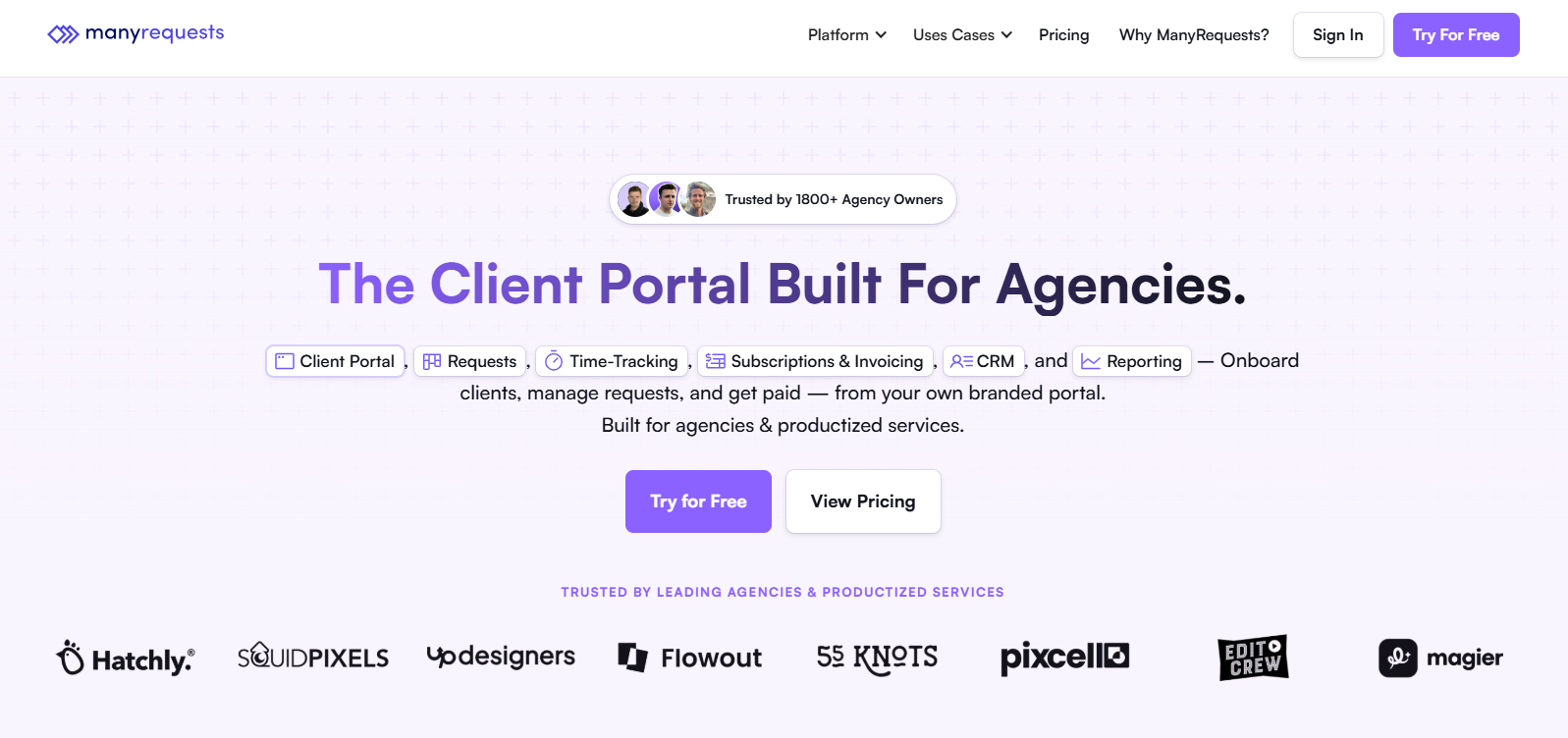
ManyRequests is the only platform on this list built specifically for productized agency delivery from the ground up. It is designed for every part of the client relationship including the checkout, intake form, request queue, and subscription management.
This means when a client pauses their subscription in ManyRequests, their request queue pauses automatically. When a client submits a new brief, it arrives pre-assigned with a due date already set. And when the task is approved, it triggers an invoice (especially for per project tasks).
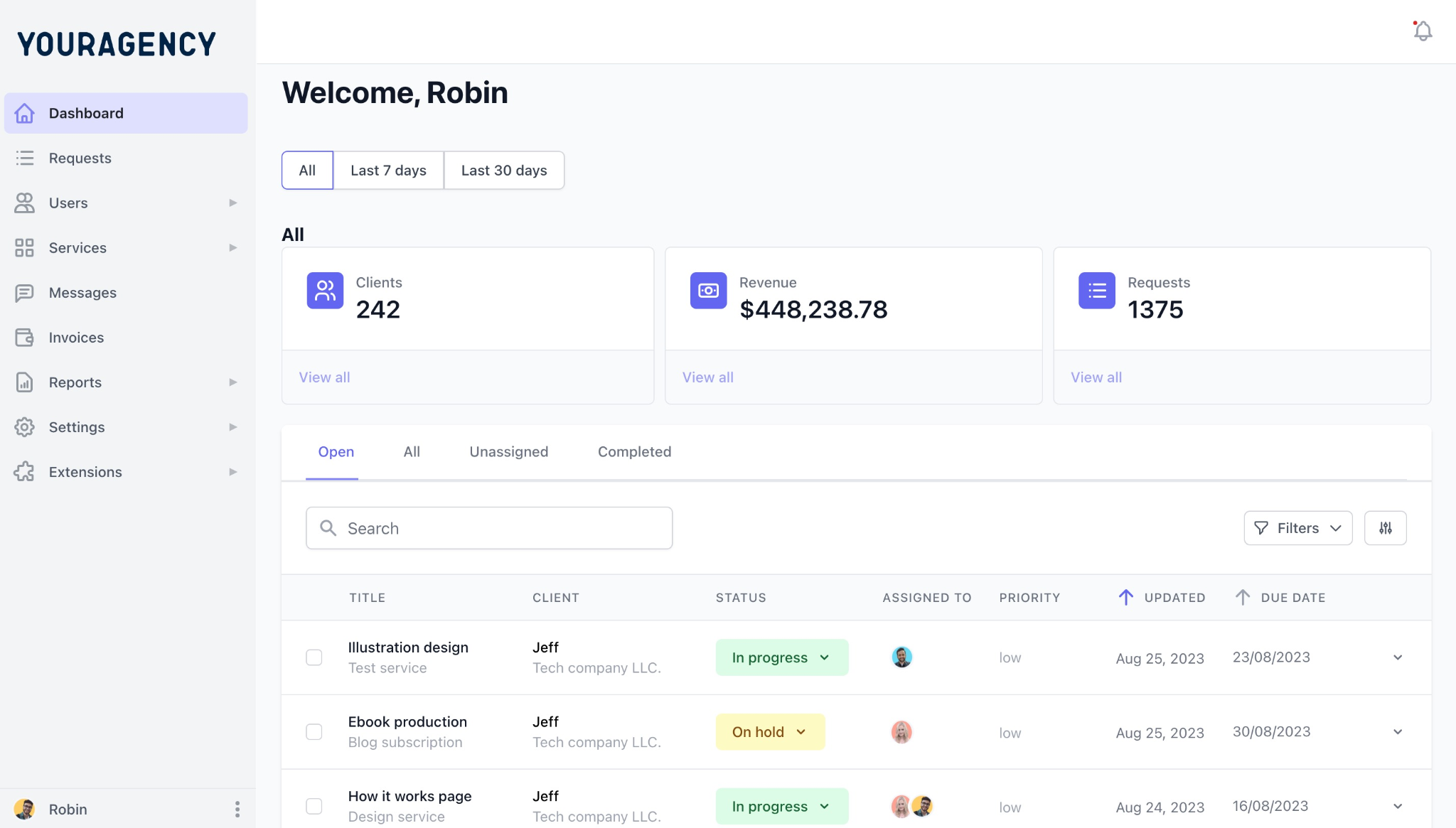
What makes ManyRequests work operationally is that the client management feature is not a separate CRM layer. The client records (request history, billing status, etc.) are in a branded portal, so when an account manager opens a client’s profile, they see every request ever submitted, every payment made, and the current subscription status.
ManyRequests’s client management system is how DesignGuru scaled from 5 to 45 team members in 12 months while managing 100+ clients and 1,500+ projects. James Alberts, DesignGuru's founder, says ManyRequests “feels like having our own branded app, at a fraction of the cost." It's also how Flowout reached $1M ARR in under two years while serving clients like Sequoia and Jasper.ai with a 20-person Webflow team. Luka Mlakar, Flowout's co-founder said “We've grown our business to $1M ARR in less than two years and started our agency with ManyRequests."
Try ManyRequests free - the client management platform built for productized agencies.
1. Branded client portal on all paid plans: Clients access the portal through your domain and see your agency's name and logo throughout. There’s no sign of ManyRequests on your UI, like they would if they were using a tool like ClickUp.
We wrote more about that in the ClickUp vs Wrike vs ManyRequests.
2. Conditional logic intake forms: The intake forms change their questions based on the service type.
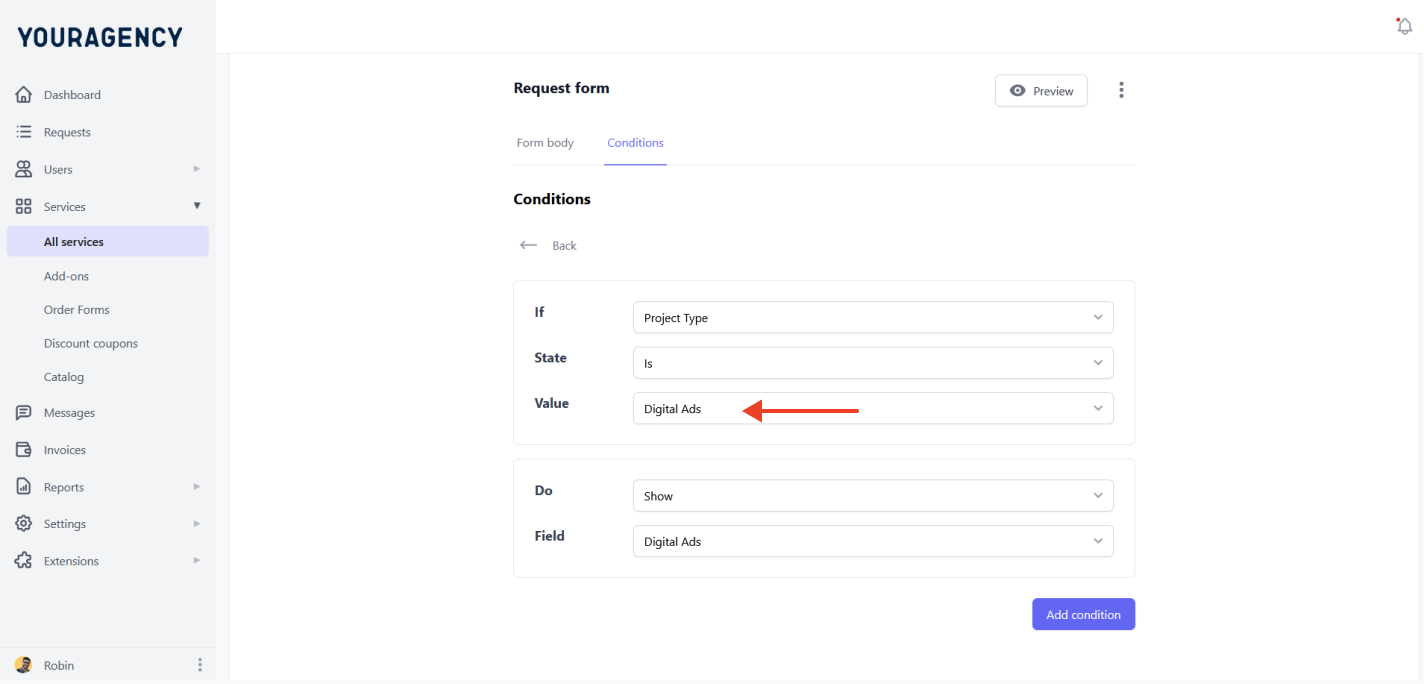
That means if you’re a marketing agency and a client needs digital ads services, you can customize the form to show them specifically the services under it so they can choose a plan that fits their needs.
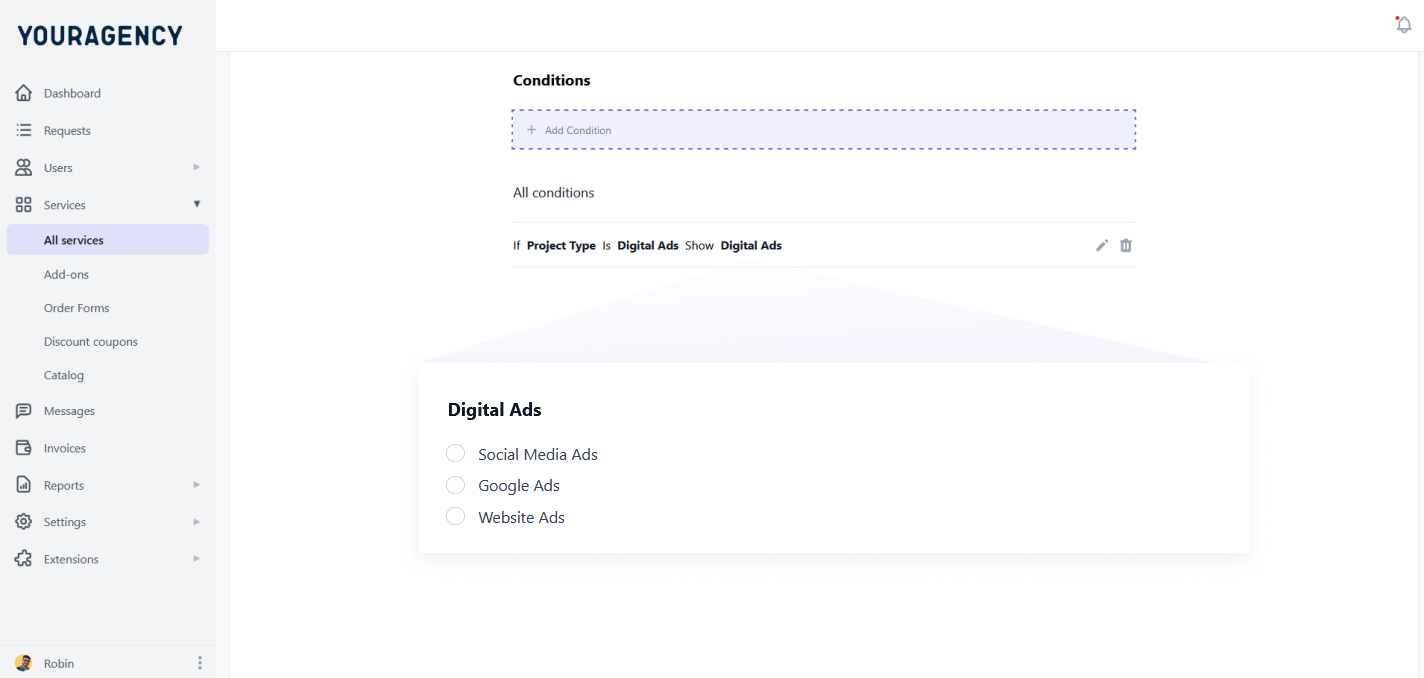
It also helps the client see what information they need to provide (because the form is conditioned for the kind of service they need).
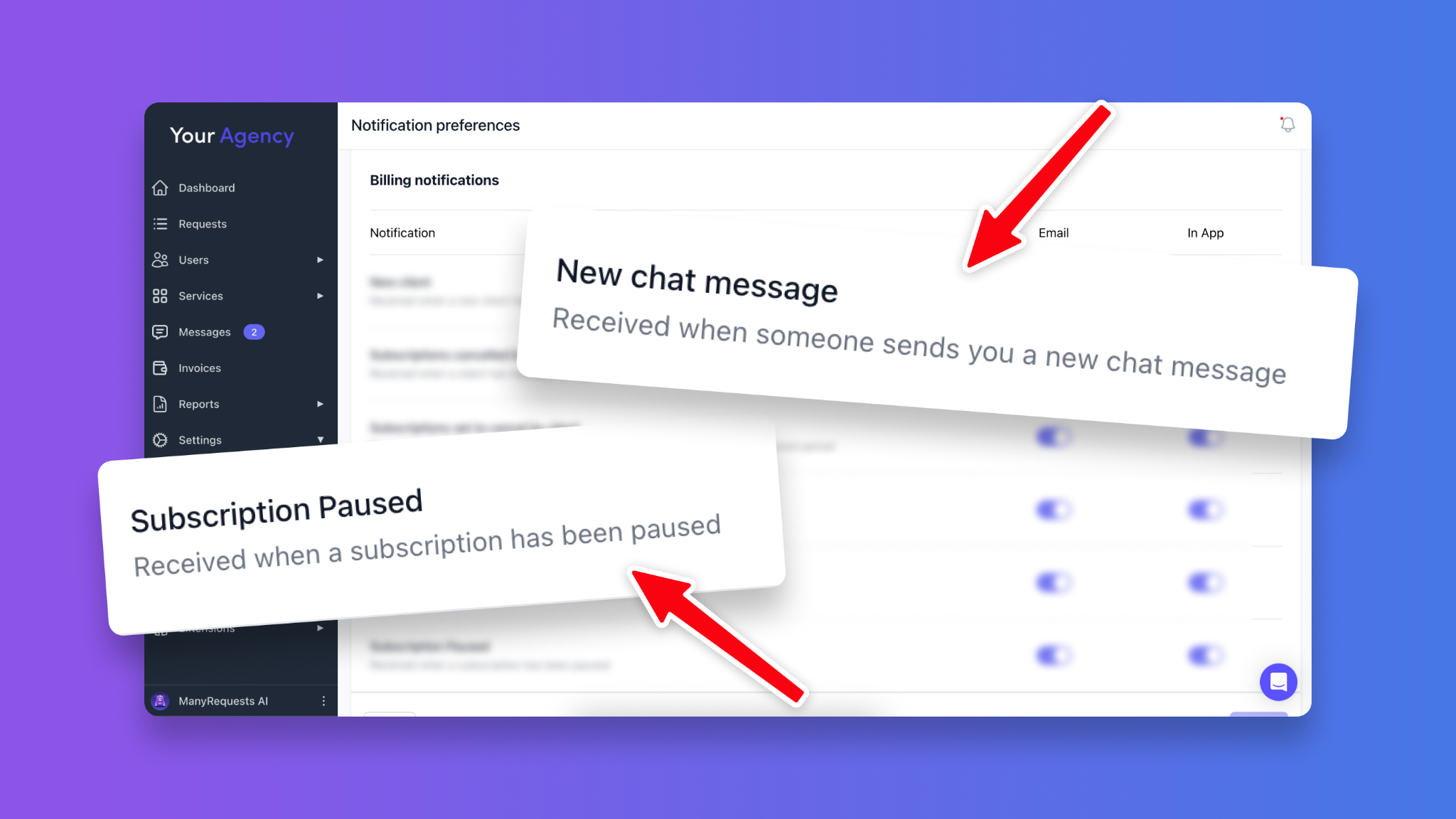
3. Native subscription billing with self-serve management: ManyRequests handles subscription charges, failed payment recovery, and plan management inside the platform so you don’t have to maintain a Stripe integration separately. Clients can pause, resume, or change their plan directly from the portal as well without emailing the agency (if you enable them to do so).
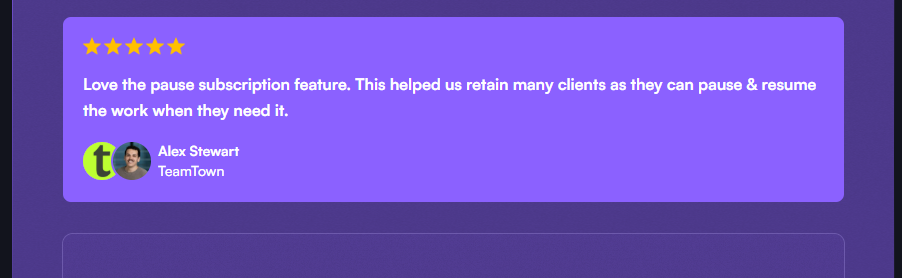
Alex Stewart at TeamTown credits the pause feature with retaining clients who would otherwise cancel: "This helped us retain many clients as they can pause and resume the work when they need it."
4. Auto-assignment and request routing: You can auto-assign new briefs to the right team member based on service type, availability, or custom assignment rules. This simplifies how you assign tasks to your team members based on who’s the best fit for the client.
5. Workload management and capacity visibility (Pro plan): The workload management view shows real-time capacity across every team member: how many active requests each person has and where each stands in the delivery cycle.
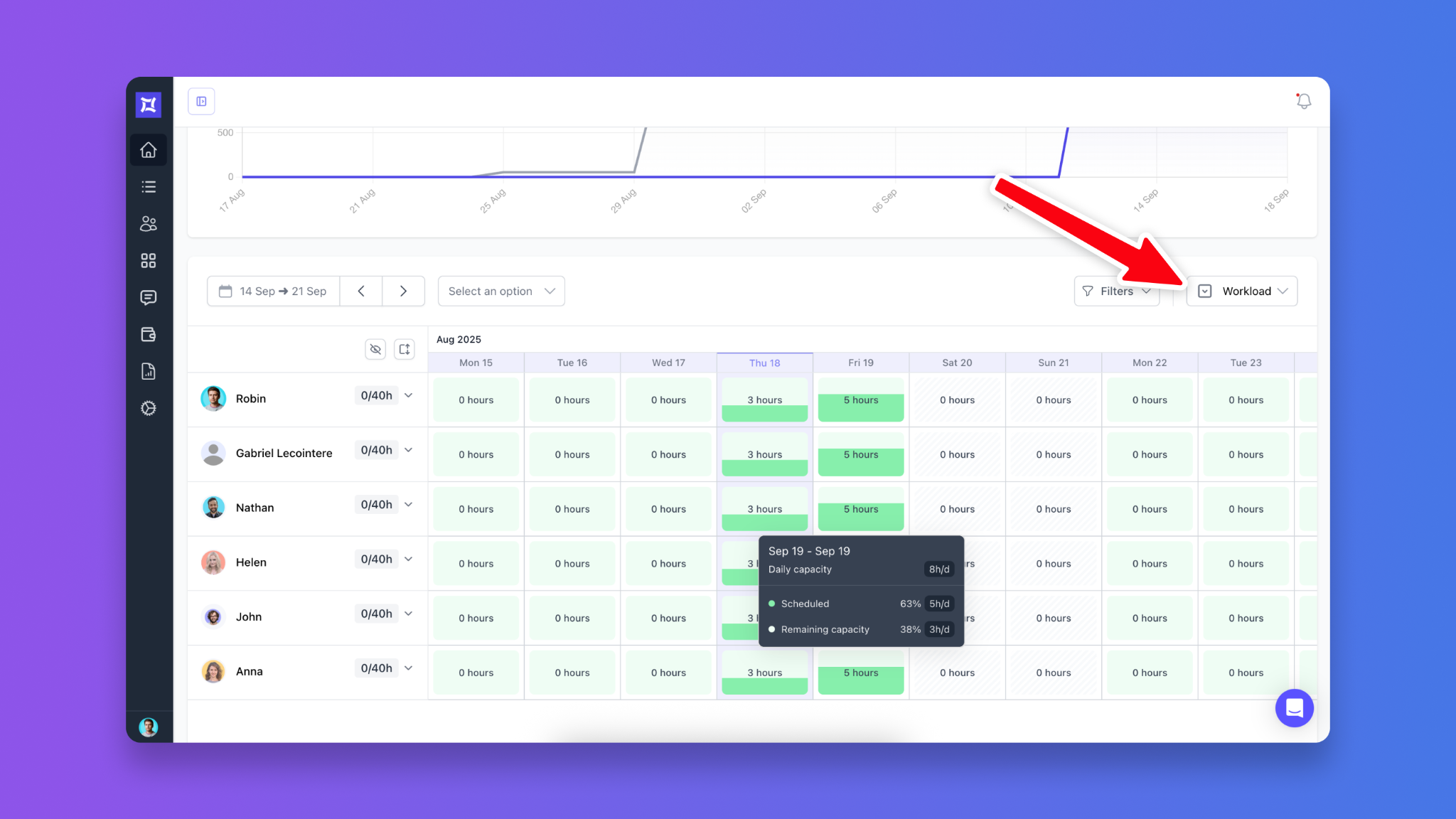
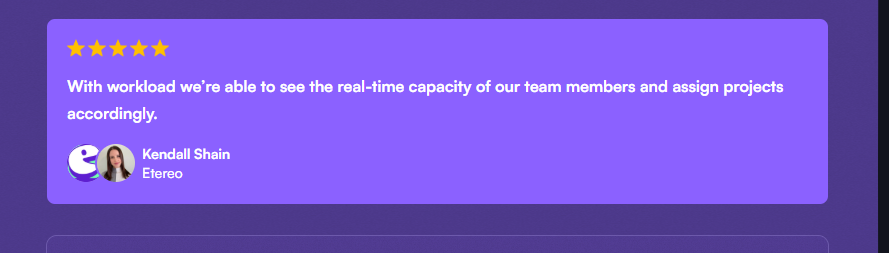
This gives you a clean UI to know who’s overloaded and underutilized so you can reassign tasks effectively. The workload feature has already helped Etereo's Kendall Shain to "see the real-time capacity of our team members and assign projects accordingly."
6. CRM with login recency as a churn signal: ManyRequests tracks when clients last logged into their portal. A client who stops submitting requests and stops logging in is likely to cancel two to three weeks before they send the email. The login recency data gives you time to reach out before they make the decision.
7. Service catalog with self-serve checkout: You can publish your services directly to a catalog. Clients can then browse, select a plan, pay, and get a portal automatically to manage their work.
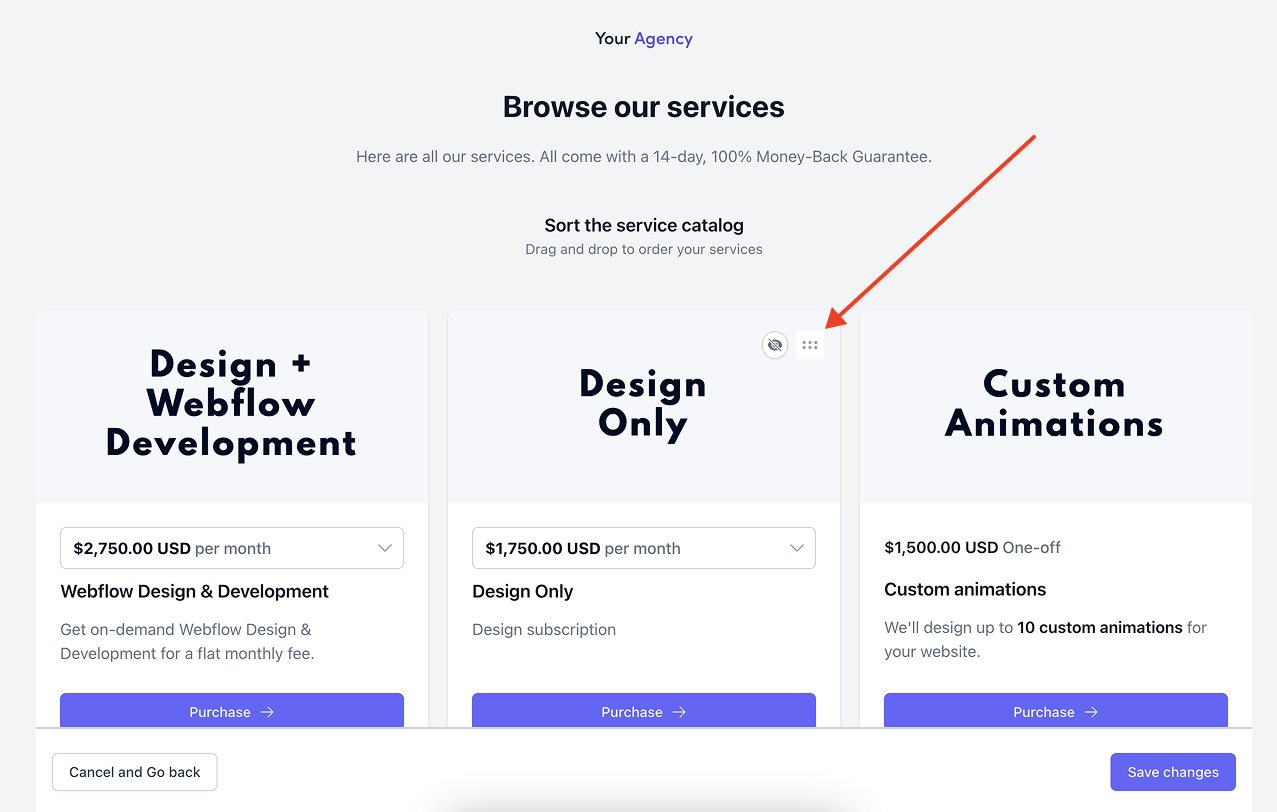
They don’t need to send proposals or make discovery calls, which is why Spencer Moser at BridgeWood Creative says "Our agency is now completely self-serve: clients purchase packages, get an invitation to our portal, and can immediately start working with us."
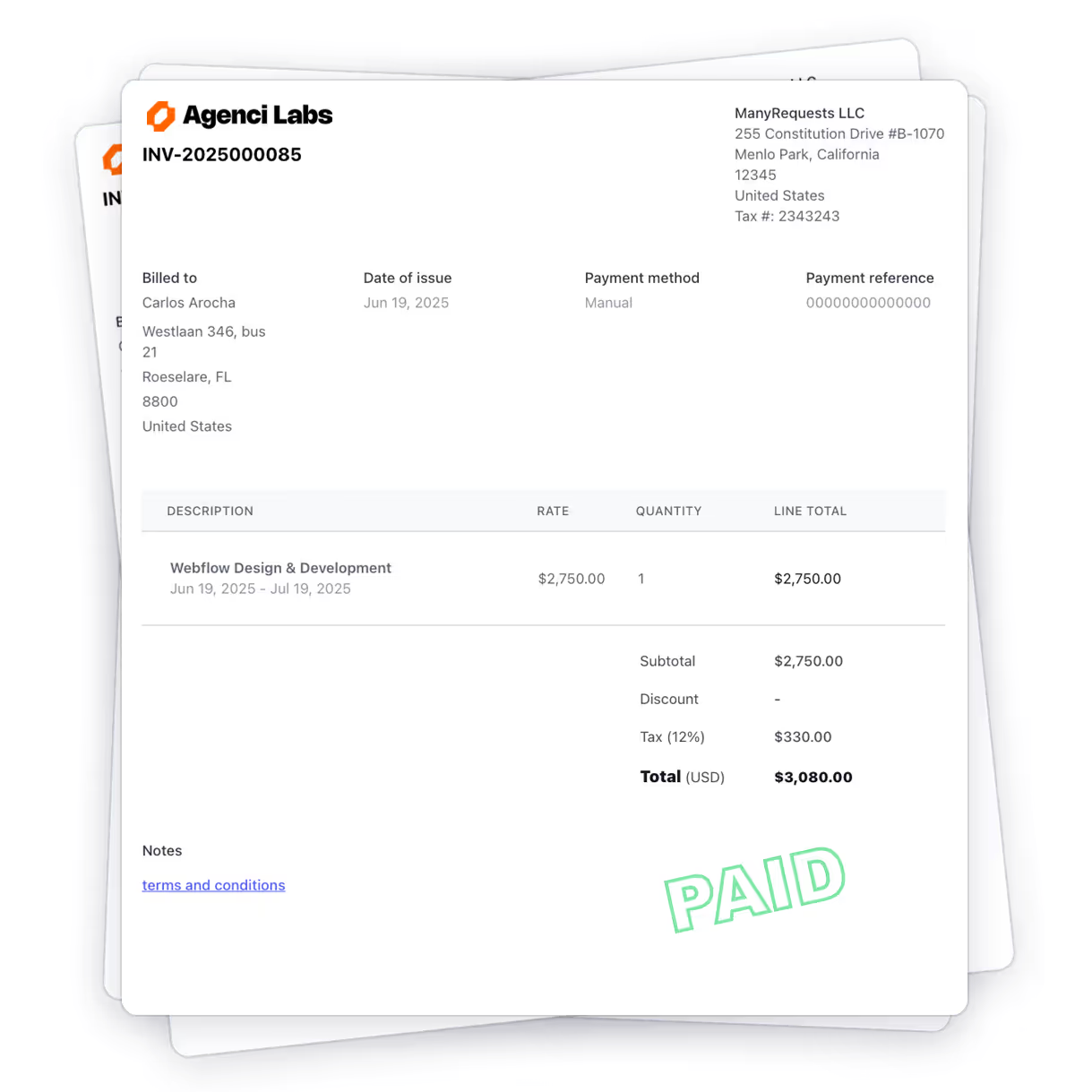
8. Unlimited clients on all plans: There is no per-client pricing. You can move from 20 to 100 active clients without an extra cent to your bill.
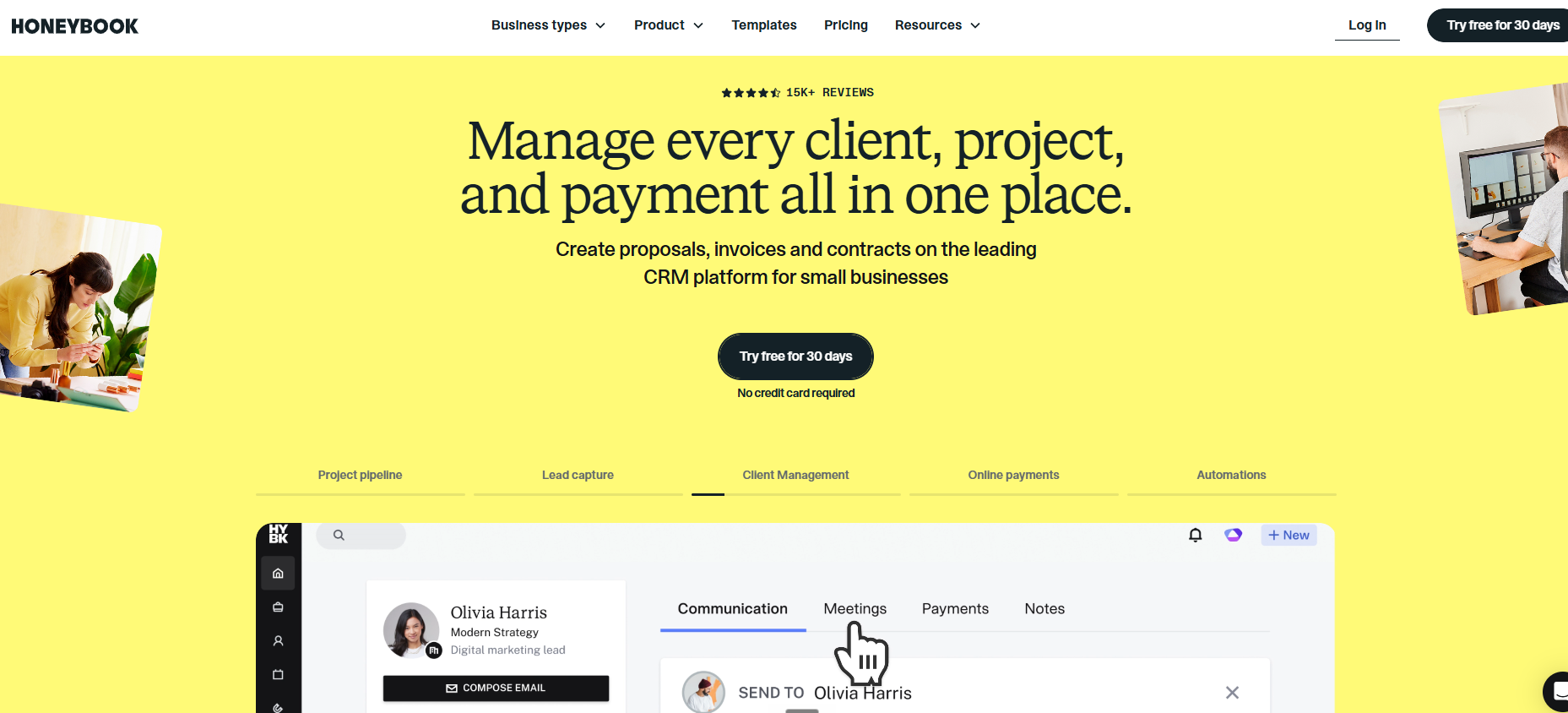
HoneyBook combines contracts, invoicing, proposals, and basic client communication in one platform for independent service providers. The onboarding flow handles intake at the proposal stage: a client receives a proposal, signs a contract, pays an invoice, and gets access to a client portal where they can view documents and project history.
For a solo consultant or freelancer managing 5-10 active clients on project-based work, this workflow is clean and effective.
But for a productized agency, maybe not. HoneyBook is designed more for projects, because it separates the billing side and task management side. If a payment fails, your team keeps working because there is no "active queue" to stop. You have to manually check for failed invoices and tell your team to pause, which can lead to unpaid work.
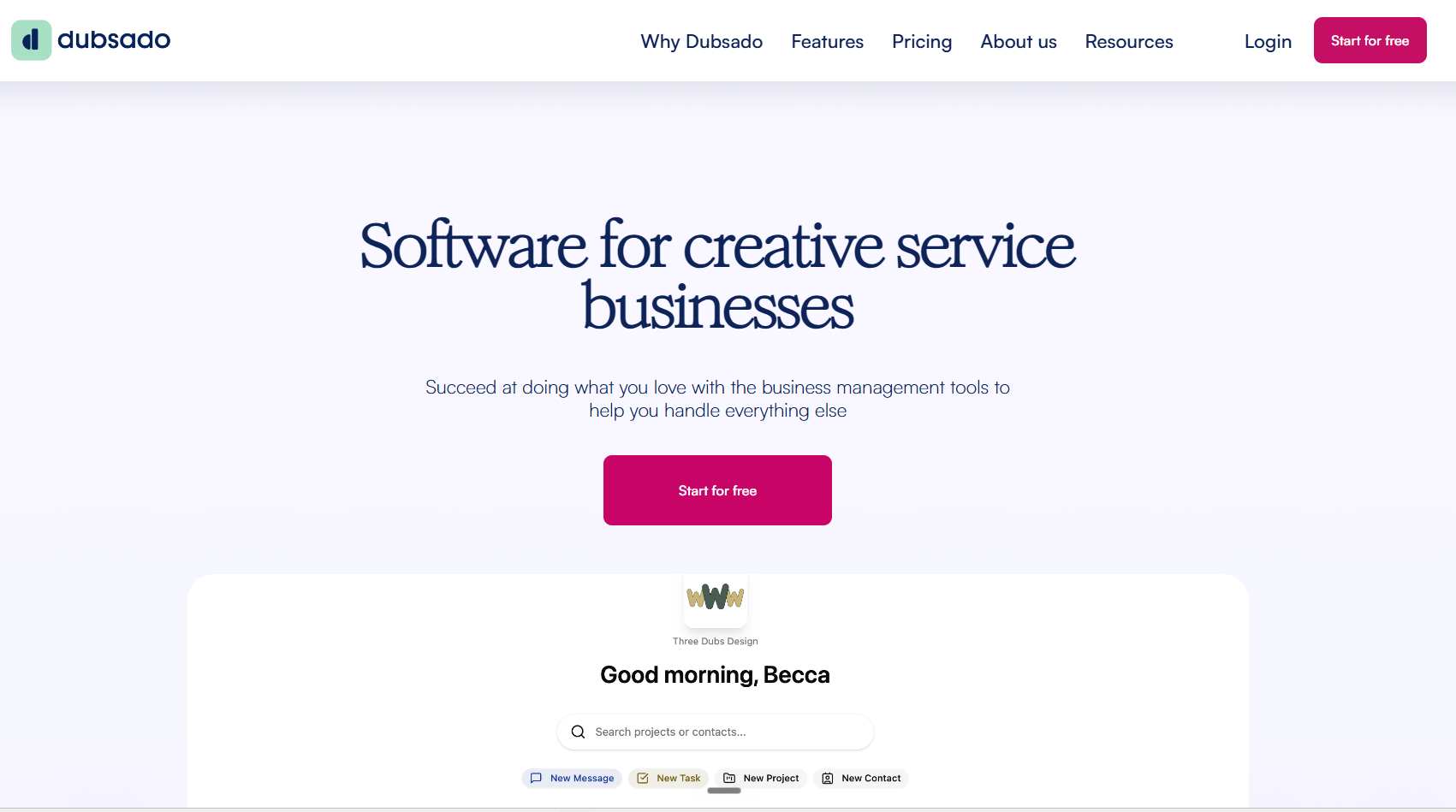
Dubsado is a software for creative service businesses. It's built for linear, project-based workflows, not high-volume production. That's because it excels at the "front-end" sequence: Lead → Proposal → Contract → Initial Deposit.
Once the client is onboarded, the system hits a structural wall for productized agencies:
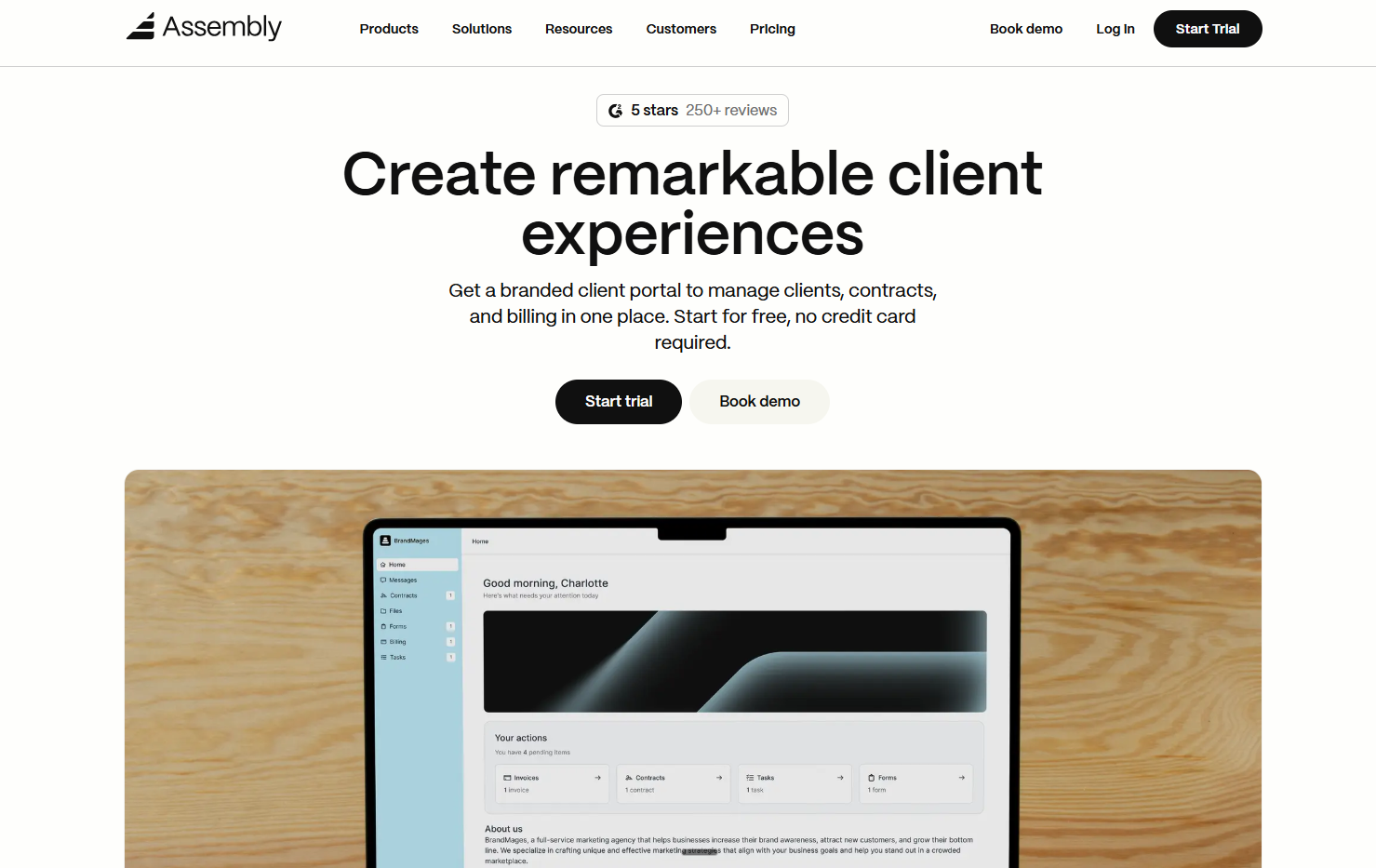
Assembly is a high-end client interface that prioritizes aesthetics and handles client communication, task management, and billing in a client portal.
It makes your agency look professional and keeps your messages organized, especially at the Advanced plan ($399/month), which unlocks the full white-labeling option. However, there are a couple of bottlenecks for a productized subscription agency.
In other words, Assembly does well as a client portal that helps communicate with your clients. But it lacks the workflow logic that can help you automatically route tasks to a designer, then to a reviewer, and then back to the client for approval. Instead, a human manager must manually reassign the task and notify the next person at every phase.
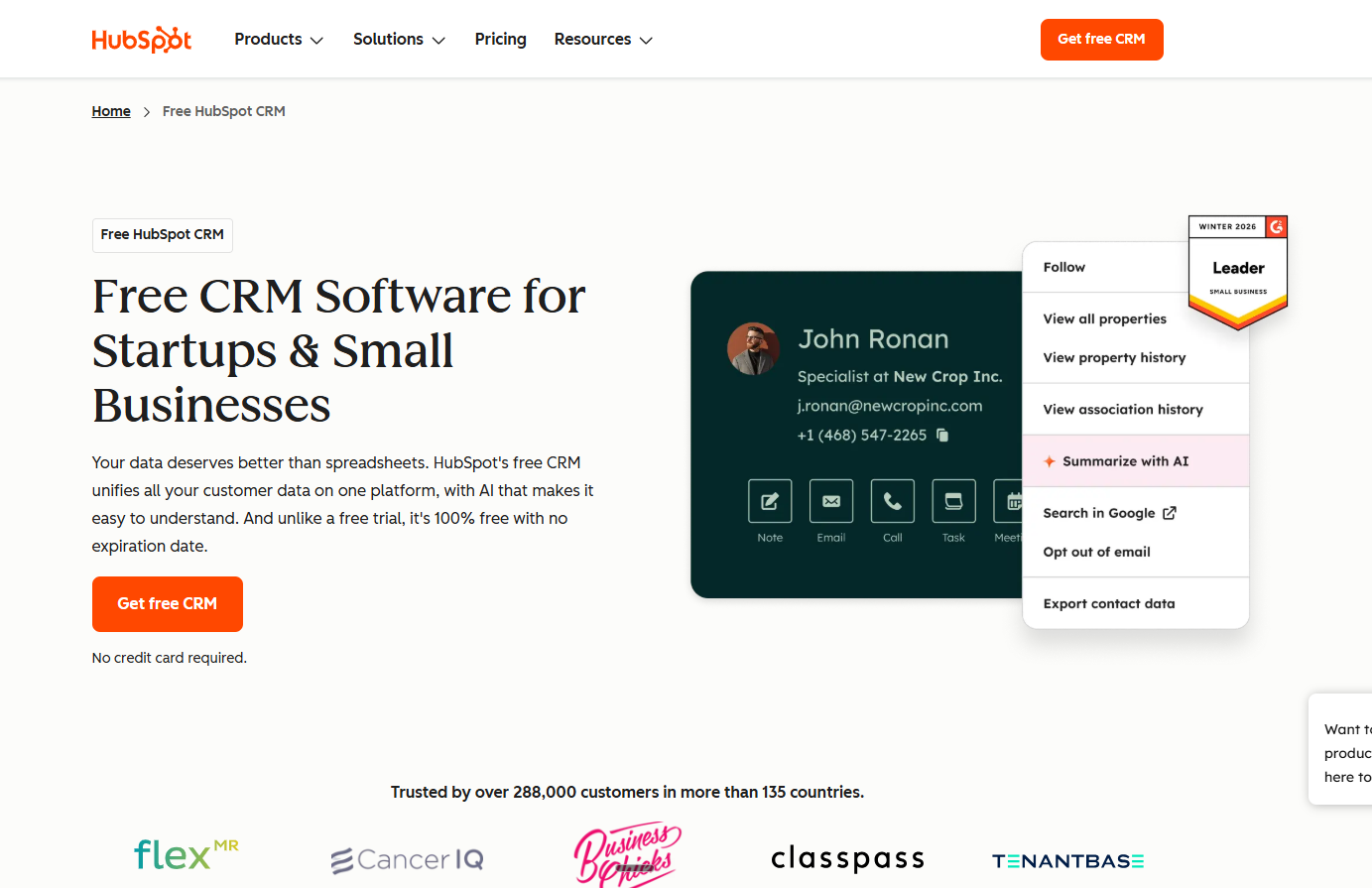
HubSpot CRM is a powerhouse for sales and marketing, and the free tier covers unlimited contracts, basic pipelines, email tracking, and other features you might need while getting a prospect to convert.
But after they become clients, HubSpot is not designed to manage the project management and CRM side of your operation. It lacks a branded, client-facing dashboard where users can manage recurring requests, view project queues, or track subscription credits.
Agencies that use HubSpot as their client management tool use it for the pre-sale CRM. But after the sale, you’ll need a client management tool like ManyRequests to manage the rest of the cycle and retain your clients.
Tbh, the right platform depends on what your agency needs. If you have retainer clients, you need structured request intake, ability to automate the subscription flow, and a portal your clients log into instead of emailing you.
If you're managing a team, you need workload visibility and auto-assignment, not another tool your ops lead has to manually update.
ManyRequests is designed for this type of workflow. The request queue, subscription billing, and white-label portal is in one system. Agencies like Magier ($1M ARR in 12 months) and Flowout ($1M ARR in under two years) run their entire system on it, and you can too.
If that matches how your agency works, or want to try, start a 14-day free trial to use ManyRequests.
It is the post-sale engine for your agency. It handles everything that happens after a client pays: intake forms for project requirements, a portal to track delivery, automated subscription billing, and a system that routes work to your team for approval.
No. A CRM like HubSpot is for closing deals (leads and sales). Client management software is for doing the work (briefs, tasks, and delivery). Most agencies use HubSpot for their sales pipeline and ManyRequests to run their daily operations.
ManyRequests is the only platform built specifically for recurring service delivery. While tools like HoneyBook or Assembly handle basic invoices and portals, they lack the automated "request queue" needed to manage a high volume of subscription tasks.
ManyRequests protects your profit by automatically pausing a client’s work queue if their payment fails. Other tools like Dubsado only send an email notification, often leaving your team working on unpaid projects until a manager manually intervenes.
Focus on four essentials: smart intake forms that prevent bad briefs, a fully white-labeled portal on your own domain, billing that is hard-linked to production, and auto-assignment to remove the need for a manual project manager.
No. You get unlimited clients on every plan. This allows you to scale from 10 to 100+ clients without your software costs increasing, which is a major advantage over competitors that charge based on your roster size.
1. See how ManyRequests works in real life. Start a free trial and experience how productized agencies centralize requests, reduce chaos, and streamline delivery, without changing their entire workflow.
2. Read our Implementation Guide to launch smoothly with your team and clients.
3. Follow us on LinkedIn and YouTube for practical agency growth strategies
4. Check out The Productize Blueprint to learn how to turn your services into a scalable, productized offer.
Peace Akinwale is a B2B SaaS content writer and strategist who creates BOFU content and how-to articles that drive measurable growth for software companies and agencies. Over six years, he's worked with clients like Marker.io, Pangea.ai, Spicy Margarita agency, and HigherVisibility to turn technical topics into content that converts, and has helped a client achieve 233% organic traffic growth within six months of taking over their blog.