Free Email Performance Report Template [Docs / DOCX]
The email performance report template your team needs is not the one used for the client. It is the one that tells your team why a send performed the way it did. It covers what happened after a specific send. Which subject line won, which link got clicked, which device performed best, and whether anything in the email caused subscribers to leave.
This free template was made for the copywriters, designers, and email ops people closest to the work. Add it to your post-send process and run it after every campaign goes out.
I'll cover every section in detail and the patterns that keep email teams from realizing they're sending the same campaign twice.
What Is an Email Performance Report Template?
This gets filled in right after every campaign lands. Unlike the monthly email marketing report built for clients and stakeholders, this one is a tactical tool for the people doing the work.
It answers the questions that never make it into a client call. For example: Did Subject Line A beat Subject Line B? Which CTA drove the most clicks? Where did readers drop off?
These are questions for the next brief, not the next check-in.
For agencies producing email campaigns on a recurring subscription, this report is what keeps the work from flatlining after month three.
Why Do You Need It?
Your email platform gives you the data. The template gives your team a reason to use it.
- When a plain-text subject line beats an emoji-heavy one, that result needs to live somewhere the next copywriter on the account can find it. Not in a Slack thread from six weeks ago.
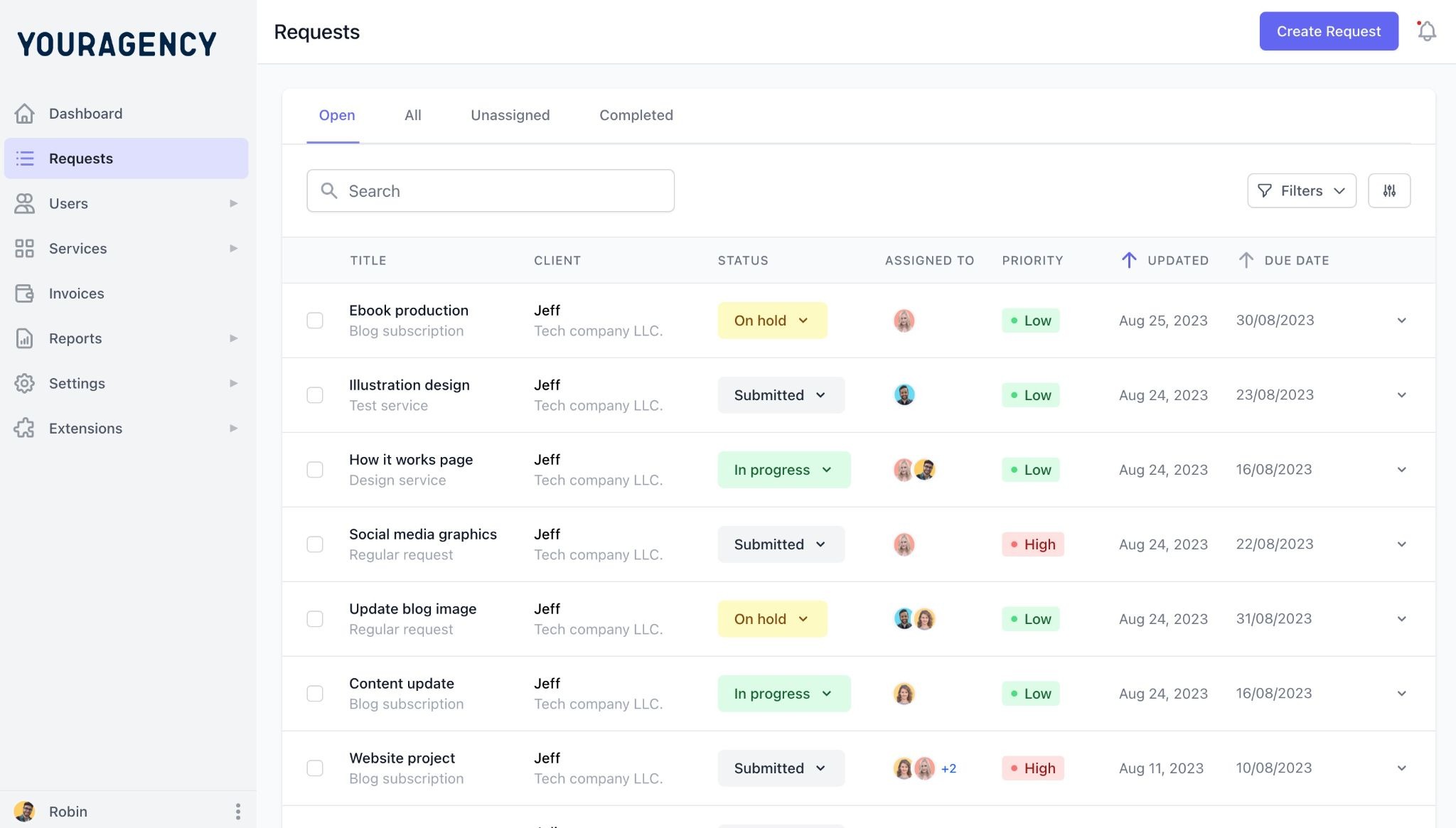
As shown in the image, each client's requests stay organized in one view, so nothing gets lost.
Managing creative decisions, test results, and campaign notes across a dozen email clients is where most agencies lose continuity. ManyRequests keeps everything inside each client's own portal, so the brief for next month's campaign starts where last month's send review ended.
- Click maps, device breakdowns, and module-level engagement data show designers exactly where subscribers interact with the layout. One email marketer analyzing click patterns across multiple sends found that the hero image CTA captured 80% of all clicks, with every other link splitting the remaining 20%. A designer who knows that goes into the next brief with a completely different set of priorities.
- Declining click rates across several sends rarely show up in the monthly program report until the damage is visible. A post-send review catches it before the client does.
- "The two-column layout got 34% more clicks than the single-column version we ran in January. We are rebuilding the standard template." That decision gets made in week one, not month three.
- A copywriter who fills in a post-send template on every campaign they write develops pattern recognition faster than any onboarding doc can teach. The template is the training.
What gets missed when teams skip this review entirely?
Disadvantages of Not Using a Report Template
Skipping the post-send review is how teams end up sending the same email twelve times and wonder why results are not improving.
- A/B test results go undocumented. The winning variant gets noted, the learning disappears, and the next campaign starts from zero.
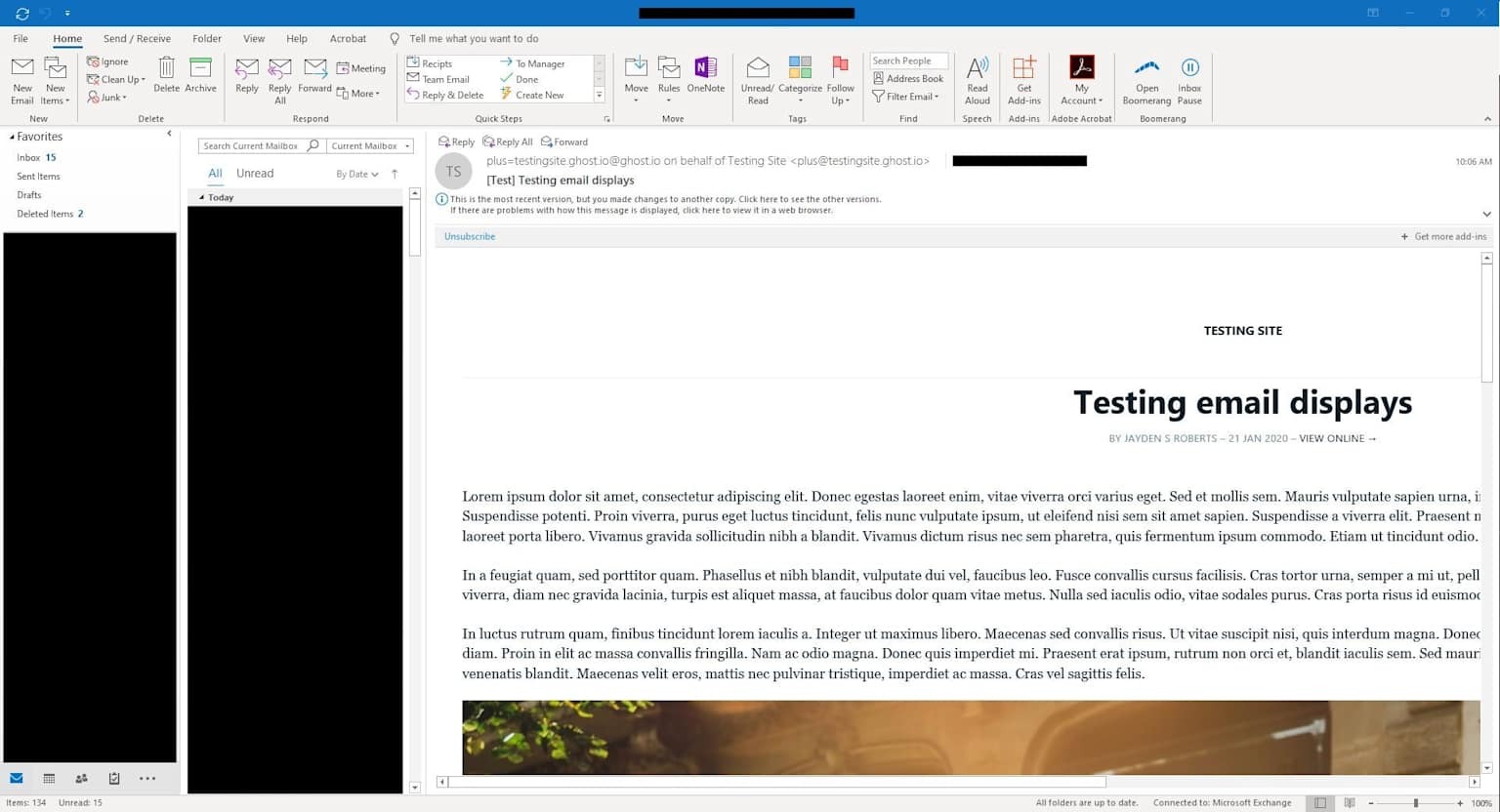
- An email that looks perfect in preview but breaks on Outlook 2019 or clips on Android shows up as unexplained low engagement. Nobody connects the rendering issue to the metric drop without a structured review. The screenshot below shows exactly how that looks in practice.
- Knowing that 60% of clicks came from one specific link and the other three drove almost nothing reshapes the next brief. That information stays invisible without a template that asks for it.
- A piece of copy that irritates a segment can cause a measurable unsubscribe spike on a specific send. If nobody reviews opt-out data at the campaign level, that signal never reaches the copywriter.
- Six months into a retainer with no documented test results, the team cannot tell whether a shorter subject line has already been tried on this list or whether this audience has seen this offer angle before.
Creating Your Email Performance Report
This is a working document for creative and ops teams, not a client deliverable. Here is what every section needs to cover.
Key Components
- Campaign header. Campaign name, send date, subject line, preview text, list segment, recipient count, and who built and sent it.
- Subject line and preview text performance. Open rate, CTOR, and if an A/B test was run, both variants and the margin. You can write, "Line A: 'Your invitation inside,' 31% open rate. Line B: 'We saved a spot for you,' 41% open rate. Variant B won by 10 points on a 50/50 split across 4,200 recipients." That result belongs in the next brief.
- Click performance by link. Every tracked link has unique clicks and click shares. This tells the creative team where subscribers went and which CTAs they ignored.
- Device and client breakdown. Mobile vs. desktop vs. tablet split, and the top email clients. If a significant portion of the list opens on a client that renders differently, that is a design brief.
- Engagement map summary. Where in the email interactions happened: top section, middle, bottom, primary CTA, and footer. Most engagement dies in the bottom third. When it does not, it is worth knowing why.
- Unsubscribe and complaint data. Unsubscribes from this send, rate as a percentage of recipients, and any spam flags. If the rate ran higher than the list average, note the likely cause, even if it is still a hypothesis.
- A/B test results and conclusions. Both variants, the result, statistical confidence if available, and the takeaway for future sends. One row per test. This section compounds in value the longer the retainer runs.
- Rendering and technical issues. Broken images, clipped subject lines, rendering failures, tracking errors. Link to the fix or the ticket. This is what the team points to when a client asks why click data looks off on a specific send.
- Creative notes and observations. Two to four bullets from the copywriter or designer on what the data showed, what surprised them, and what they want to test next.
- Recommended actions for next send. Three to five specific changes based on what this send revealed. A subject line angle to test, a layout change to make, a segment to pull out, and a send time to try. "Improve engagement" is not a recommendation.
Here is what you need before you start filling it out:
- Your email platform's post-send analytics (Klaviyo, Mailchimp, HubSpot, ActiveCampaign, or similar)
- Click the map or heat map data if your platform provides it
- Device and email client breakdown from the platform report
- Your pre-send QA notes (for the rendering issues section)
- The A/B test setup documentation for any variants run on this send
Tips and Best Practices in Creating an Email Performance Report Template
The more consistently this gets filled in, the more useful it becomes.
- Fill it in within 48 hours of the send. A subject line decision made two weeks ago is harder to evaluate than one made two days ago when the brief is still fresh.
- Compare every metric to the rolling average for this list, not industry benchmarks. A 28% open rate on a cold segment might be excellent. The same rate on a warm VIP list is a problem.
- Flag the anomalies, not just the wins. If unsubscribes spiked on a specific section of the list, that pattern belongs in the document, whether anyone asked for it or not.
- Share it with everyone who touched the campaign. The designer needs the device breakdown. The copywriter needs the click-by-link data. The account lead needs the unsubscribe rate.
- Carry the recommended actions directly into the next campaign brief. Subject line hypotheses, layout tests, segment changes. The review and the brief should be the same conversation.
- Keep a running test log for each account. A documented table of what has already been tested prevents the team from running the same A/B test twice and shows clients how deep the optimization work actually goes.
Mistakes to Avoid on Your Email Performance Report Template
These are the habits that turn a potentially useful post-send review into a document no one reads.
- Filling it in only after good sends. The campaigns with low open rates, high unsubscribe rates, and flat click rates are the ones that need a review most. A template that only comes out on good weeks teaches the team nothing.
- Recording results without the creative context behind them. "Open rate: 38%" tells the next person nothing. "Open rate: 38%, plain-text curiosity-gap subject line, warm segment, Tuesday 10 am" is something they can actually use.
- Treating the A/B test section as optional. If no test is run on this send, the recommended actions section should include a proposal for the next one. The absence of testing is itself a finding.
- Vague recommended actions. "Keep optimizing subject lines" is a note, not a next step. "Test a question-format subject line on the next promotional send to the 30-day engaged segment" is.
- Skipping rendering issues. A broken image or clipped subject line that hurt click rate on a specific send needs to be on record. When a client asks six months later why that campaign underperformed, the answer is already there.
- Filing it somewhere no one checks. A post-send report in a folder no one opens is the same as no report. Put it where the rest of the team already works, whether that is a project management tool, a shared drive, or a client portal like ManyRequests, where every client's work and communication lives in one place.
How to Use Our Free Template
- Download the template and save a copy in Google Docs or Microsoft Word.
- Add your agency name, logo, and client details to the cover.
- Fill in the campaign header right after the send while everything is still fresh.
- Pull click-by-link data, device breakdown, and A/B results from your email platform and work through each section.
- Write the creative notes and recommended actions with the copywriter and designer, then carry them directly into the next campaign brief.
Conclusion
Thanks for reading through this. If your team's post-send review is a glance at open rate before moving on, this template is where that changes.
List size and send volume are not what separate good email agencies from great ones. The ones that compound results month after month know exactly why last Tuesday's campaign performed the way it did.
Managing that across a dozen email clients is where the process breaks down. Chasing down which campaigns have been reviewed, where the reports live, and whether the recommended actions made it into the next brief is its own job.
ManyRequests replaces that chaos with one place for client onboarding, request tracking, file delivery, and team collaboration, so the post-send workflow runs the same way every time. Start your 14-day free trial.

.svg)