Client Request Management Software With Built-In Billing
Compare the best client request management software for agencies. Learn what to look for and choose the right platform.

Peace Akinwale

It’s a Thursday afternoon, or even 12:45 PM on a Monday for you. A Slack message lands from a design-subscription client: "Hey, where are we on those ad variants?" You don't know.
The request came in via email, your PM or co-founder moved it into a doc, assigned someone, and now you're three tabs deep trying to answer a question the client should’ve been able to answer for themselves.
With 10 to 20 subscription clients submitting requests every week, that quickly becomes dozens of open tabs across email, Slack, and task boards.
Client request management software fixes that by giving clients one place to submit work, track progress and manage their subscriptions. In this article, you’ll learn what to look for in a tool and how to set up a client request management system that keeps delivery and revenue in one workflow.
Client request management software is a platform where clients submit service requests through forms and track those requests through a visible queue.
This is because “client work” isn’t usually a one-off task, especially for productized agencies. Clients submit new briefs every week, ask for updates, review files, approve changes, and maintain a monthly subscription or retainer. A good client request management system should help you
In simple terms, it replaces the patchwork of email, Slack, spreadsheets, forms, project boards, invoicing and separate tools.
The premise of a subscription agency is to allow recurring requests within a specific time frame. Without one system to organize these tasks, each request is sent via different channels, with different levels of details that add more work to your plate. Common problems are:
A dedicated request system closes all three: your team stops being the connector between disconnected tools.
The right system helps manage the full path from receiving a client's brief to getting their money in your bank account. Use this as a checklist to evaluate any tool, including the ones below.

The right system helps manage the full path from receiving a client's brief to getting their money in your bank account. Use this as a checklist to evaluate any tool, including the ones below.
With that checklist in mind, here’s how ManyRequests handles the full workflow from request intake to billing.
ManyRequests runs the full request-to-revenue loop: intake, queue, delivery, billing, and subscription renewals in one branded portal. Instead of moving briefs, comms, files, and invoices between tools, your team manages the whole client workflow in one place.
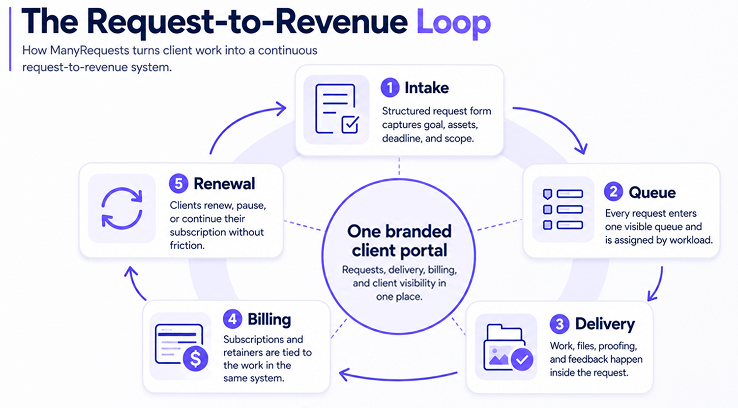
Here is the path a single request takes.
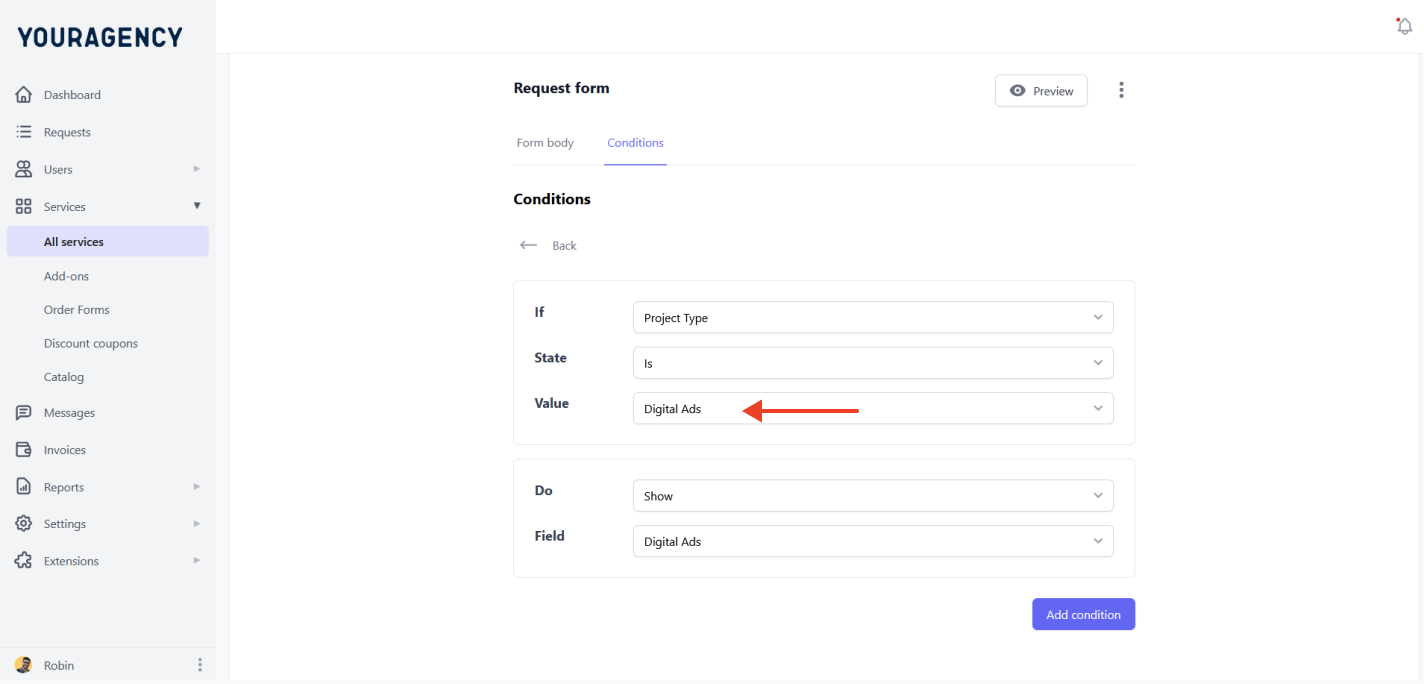
You build the form with conditional logic, so a client that picks "ad creative" sees different fields to one that picks "landing page design." The form requires a brief and the right assets (or relevant materials) and keeps the assignment within scope to avoid scope creep.
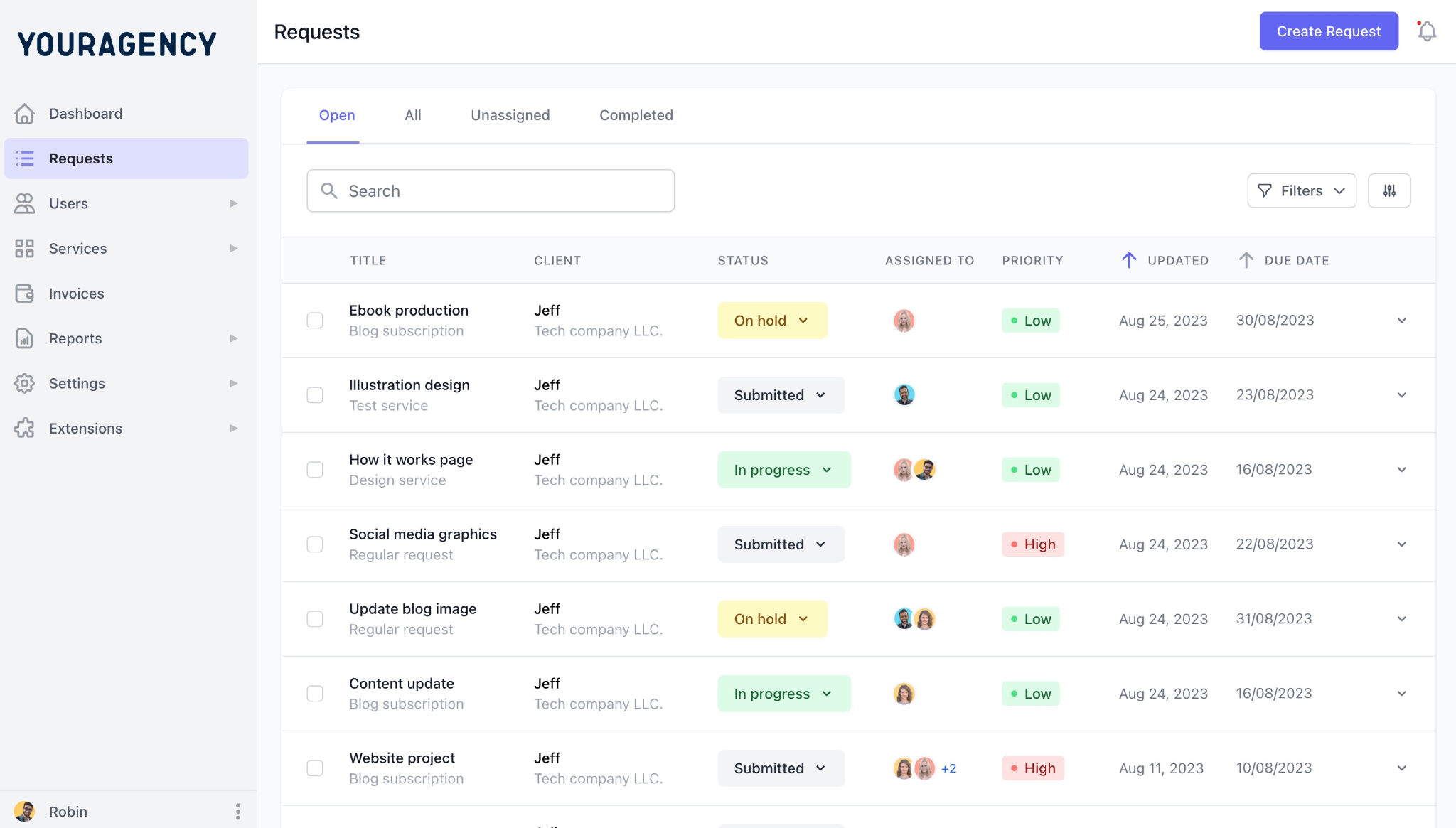
Every submission lands in a central admin view, where your team can assign and track work across clients.
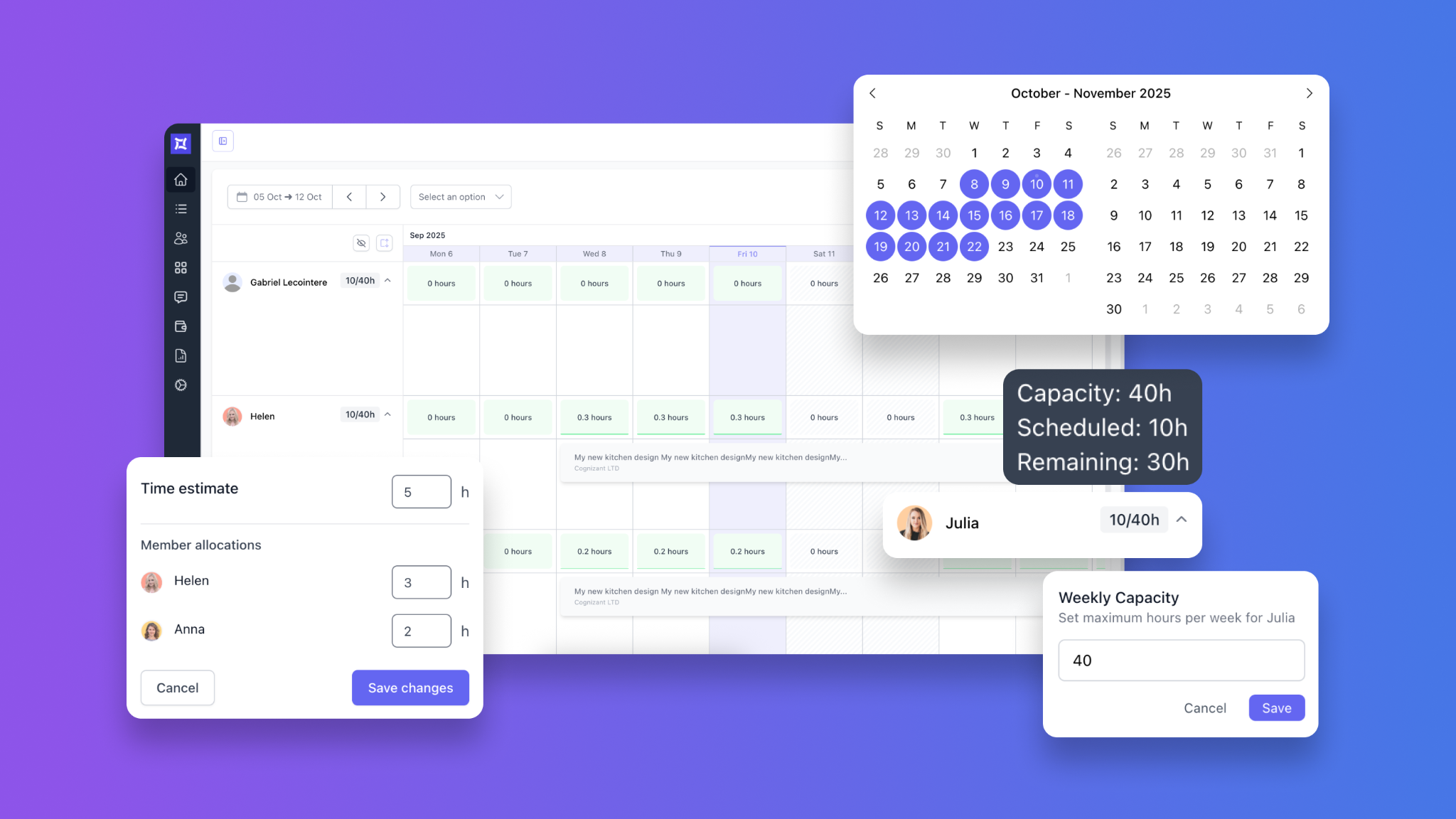
On the Pro plan, the workload management view shows open requests and remaining capacity, so you can assign work by availability rather than who you think is free.
Files, comments, messages, and revisions stay inside the request chat box. Clients can leave feedback with inline annotations, which keeps approval and revisions out of scattered email threads.

Status, files, and messages sit in a branded portal on your own domain. The client checks progress instead of emailing to ask, which helps reduce status-chasing hours.
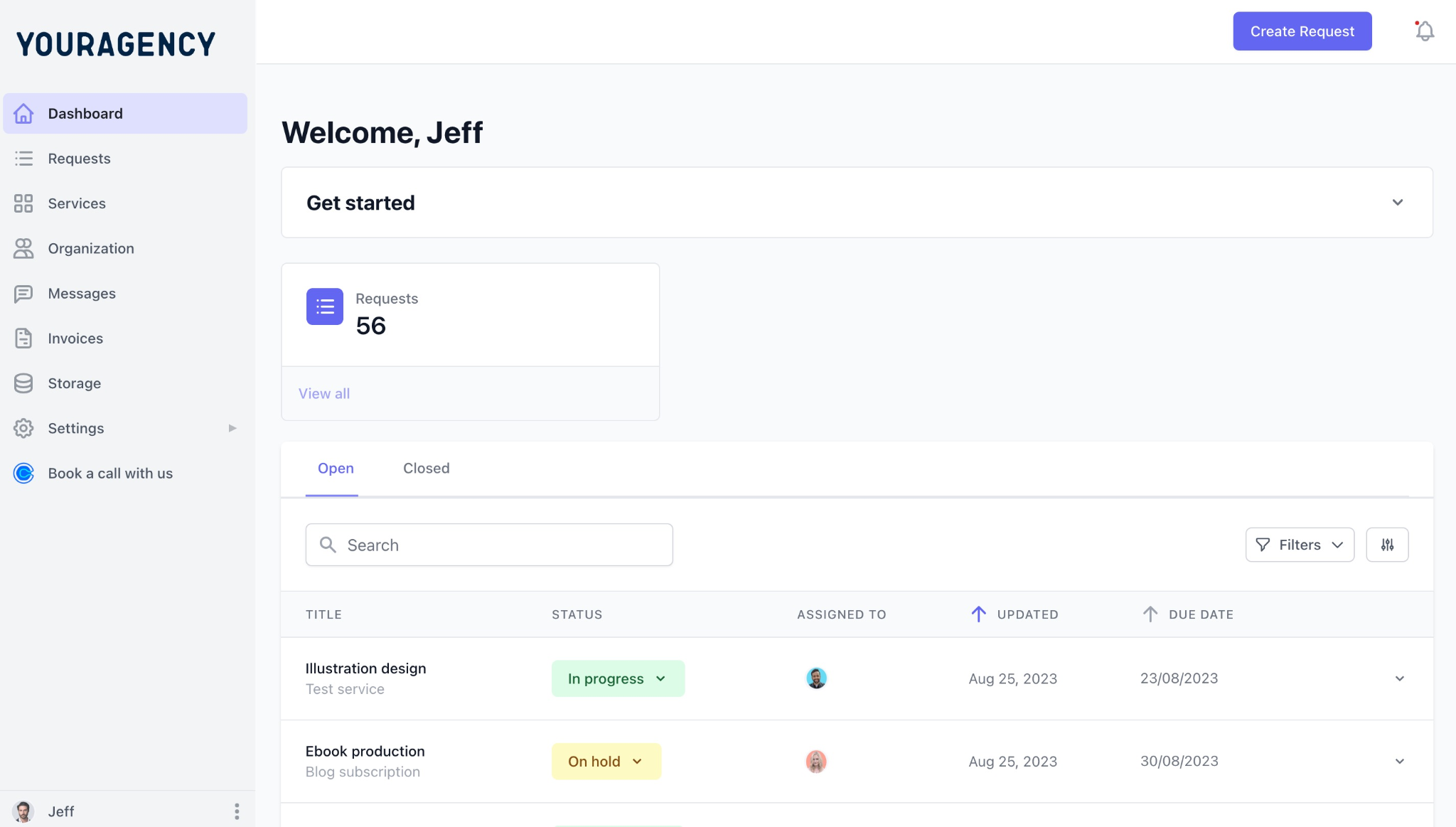
You can create and publish a service catalog, add checkout pages for each offer, and every new client can pick a plan, pay, and get invited to your portal automatically. According to Spencer Moser of BridgeWood Creative, "clients purchase packages, get an invitation to our portal, and can immediately start working with us." ManyRequests keeps the onboarding simple and fast, and you can also configure your portal to enable a free trial period if you’d like to:
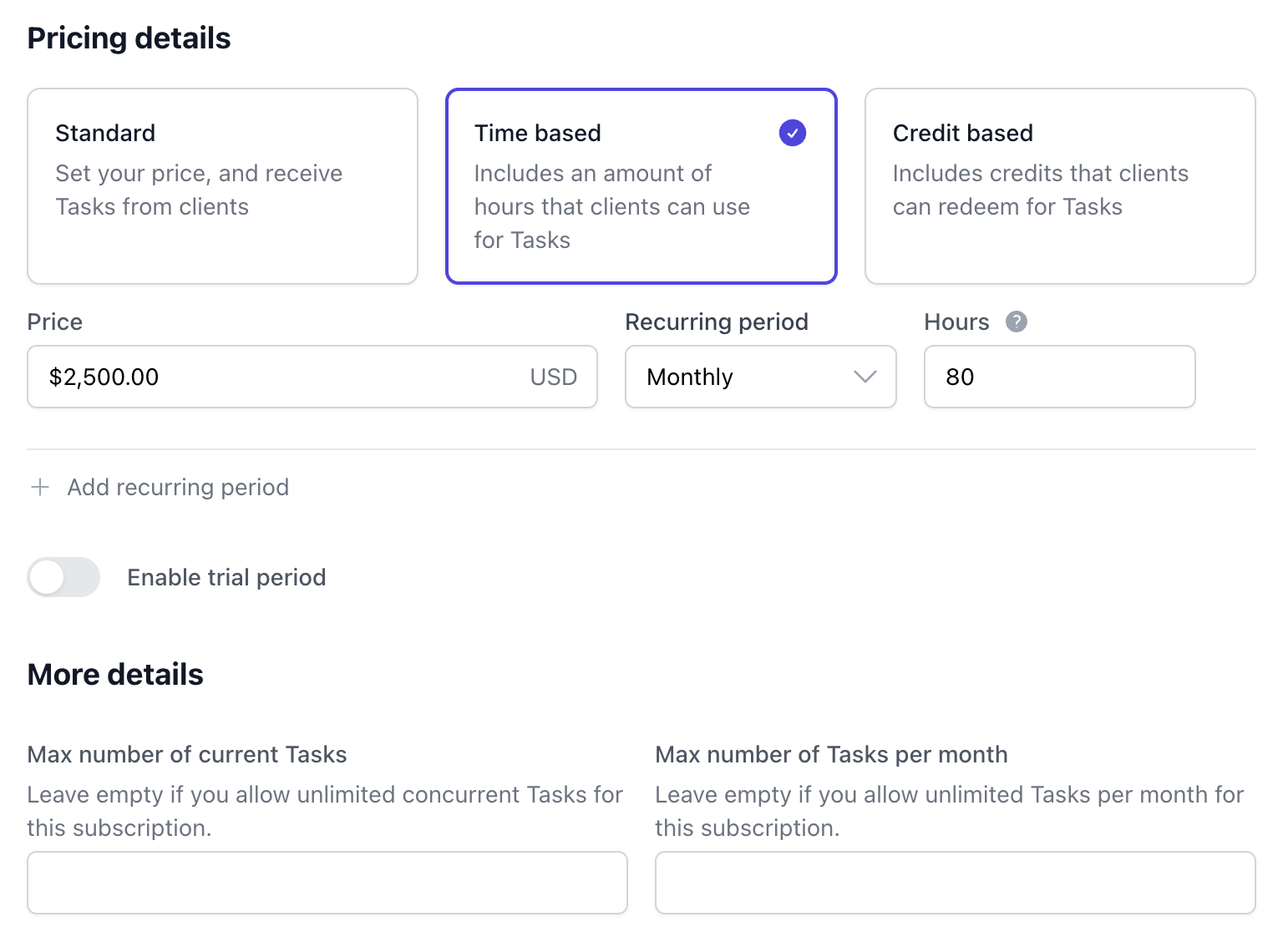
Once you create service offers and checkout pages, you can connect with Stripe to collect payment. This helps you manage subscriptions, retainers, hourly work, or credit-based plans from the same system. When a client needs a break, they can pause the subscription instead of canceling, which Alex Stewart from TeamTown says “helped us retain many clients as they can pause & resume the work when they need it.”
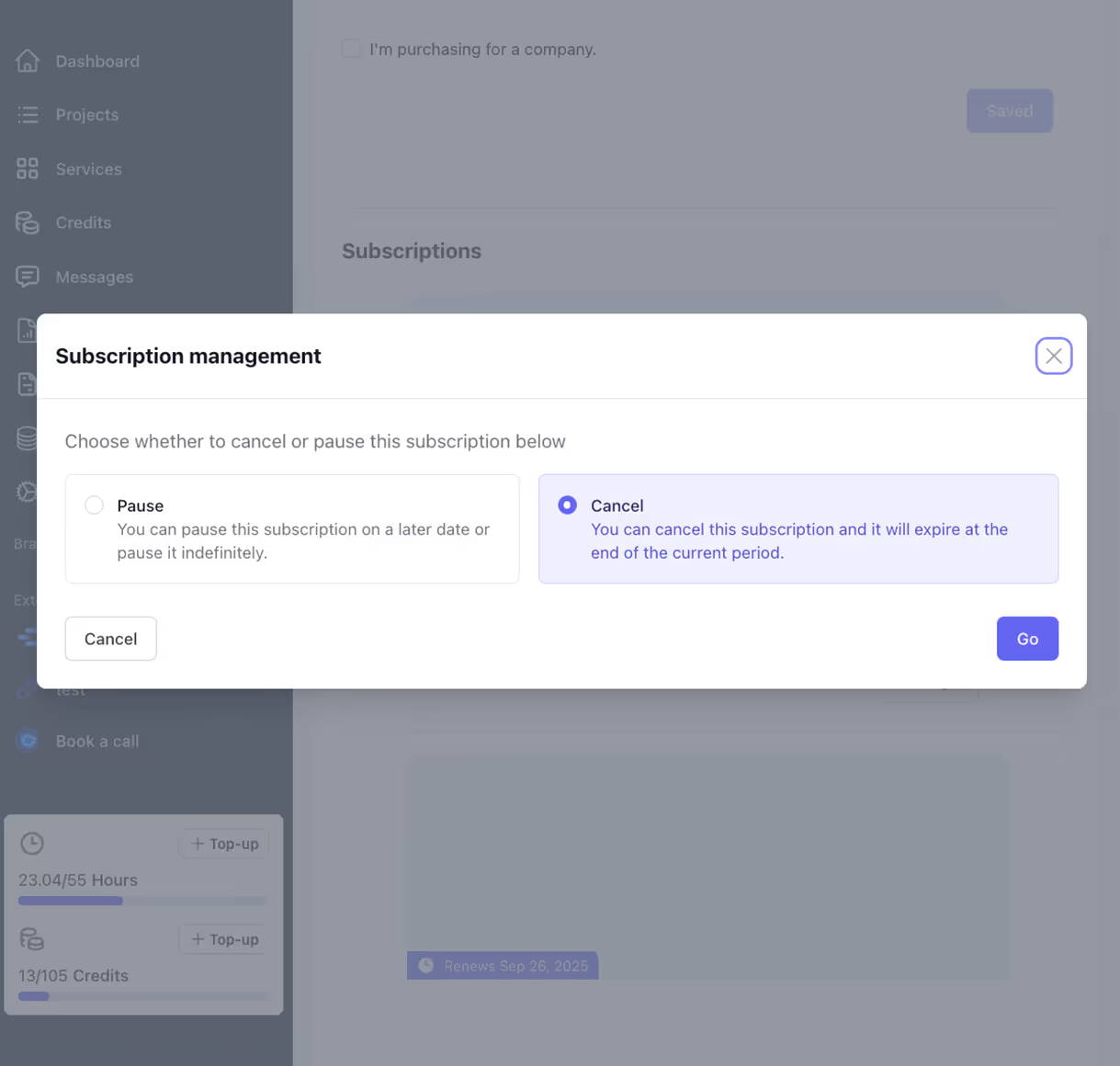
Because requests and billing live together, you can compare request volume, time, revenue, and profitability per client without rebuilding the numbers in a spreadsheet. You can use this data to optimize your marketing for a specific ideal customer profile (ICP) that can improve revenue.
This loop is why agencies use ManyRequests as more than a portal. SquidPixels has managed more than 17,000 design requests with it, and the founder says ManyRequests "keeps everything organized in our agency." Flowout also used ManyRequests as part of the operating system that helped it grow to $1M ARR in under two years, stating that “Assigning and delegating projects and clients requests has been key for us to scale. ManyRequests helped us do that with a solid client portal solution.”
Running five to 50+ clients and are tired of using more than three tools for your agency? See how ManyRequests keeps everything organized in one platform so you can spend more time doing the work you love. Sign up for a 14-day free trial →
If you’re worried about how to switch to ManyRequests, ManyRequests offers free done-with-you migration to help you import team members, client requests, and subscriptions before you move fully into the platform.
Consider the tools you already know before settling on a purpose-built tool like ManyRequests. Here’s an executive overview of how they compare:
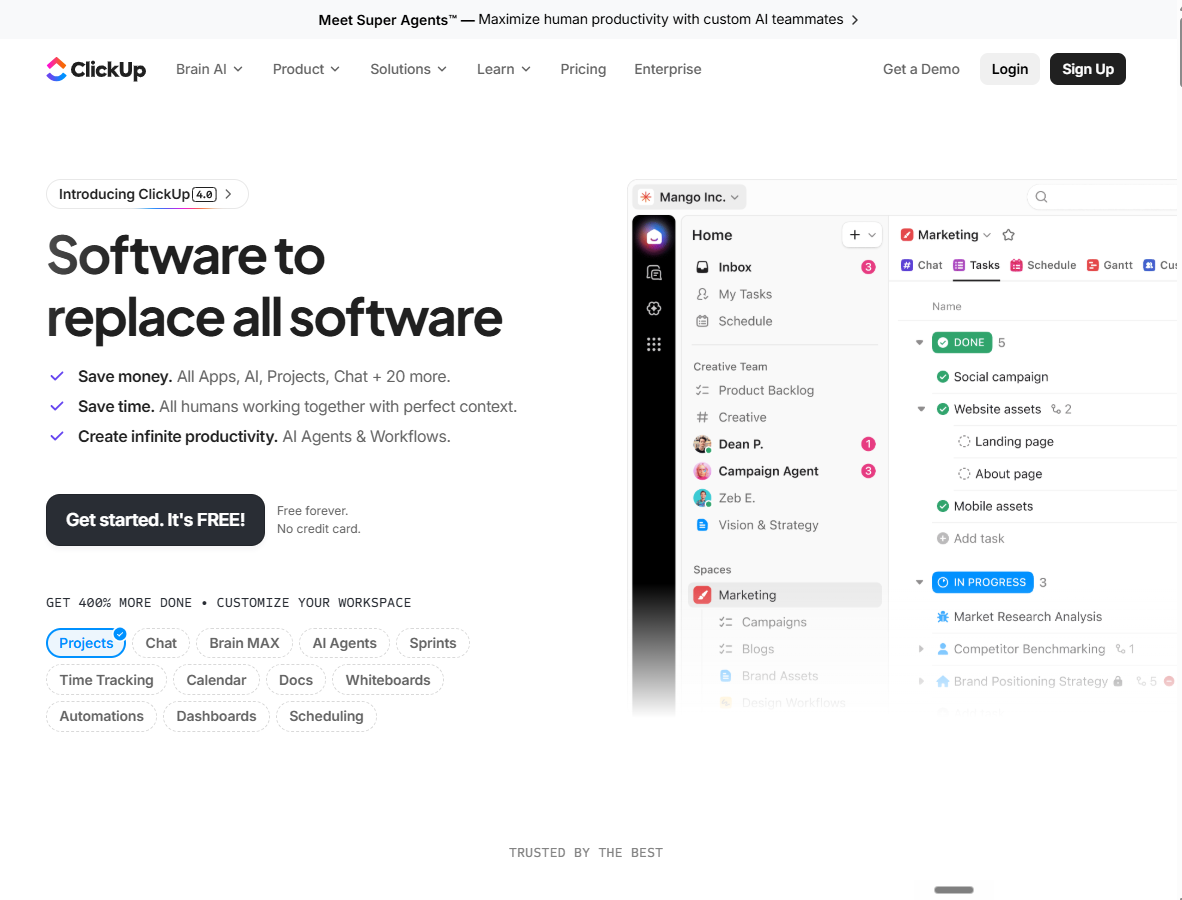
ClickUp is a platform that allows internal teams to manage tasks, docs, goals, and projects across spaces and folders, with views for boards, lists, Gantt charts, and calendars.
It’s a good fit if you only need to organize the work your team does. Beyond that, it cannot effectively help you manage client requests and keep clients in the portal.
ClickUp's core is internal work management:
Priced per user, billed annually:
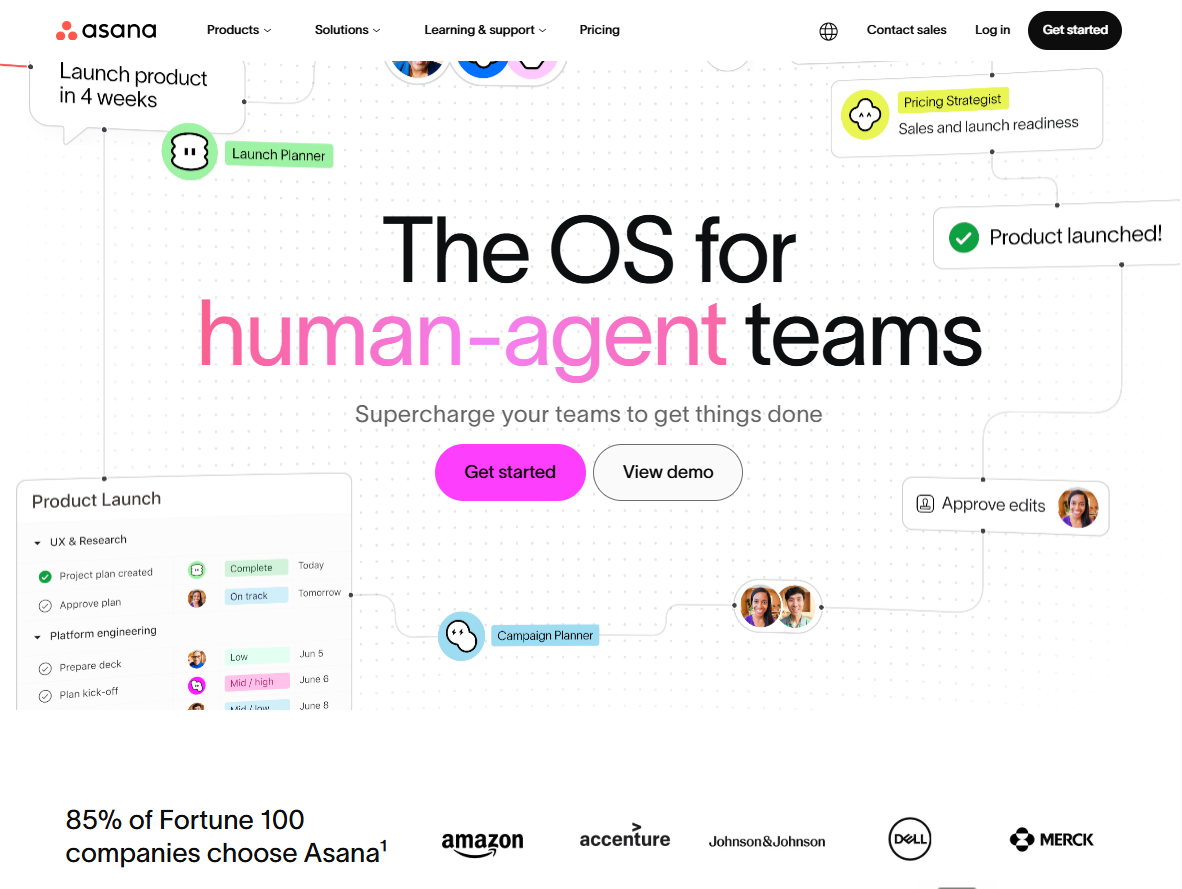
Asana is a work management platform built to coordinate large internal teams. It organizes projects, tasks, and workflows with strong reporting and automation at the higher tiers, and it can accommodate hundreds of users. It’s a capable system to monitor your team's output. But for client request management, like ClickUp, it’s not designed for client-facing work.
Asana is built to coordinate large internal teams:
Priced per user:
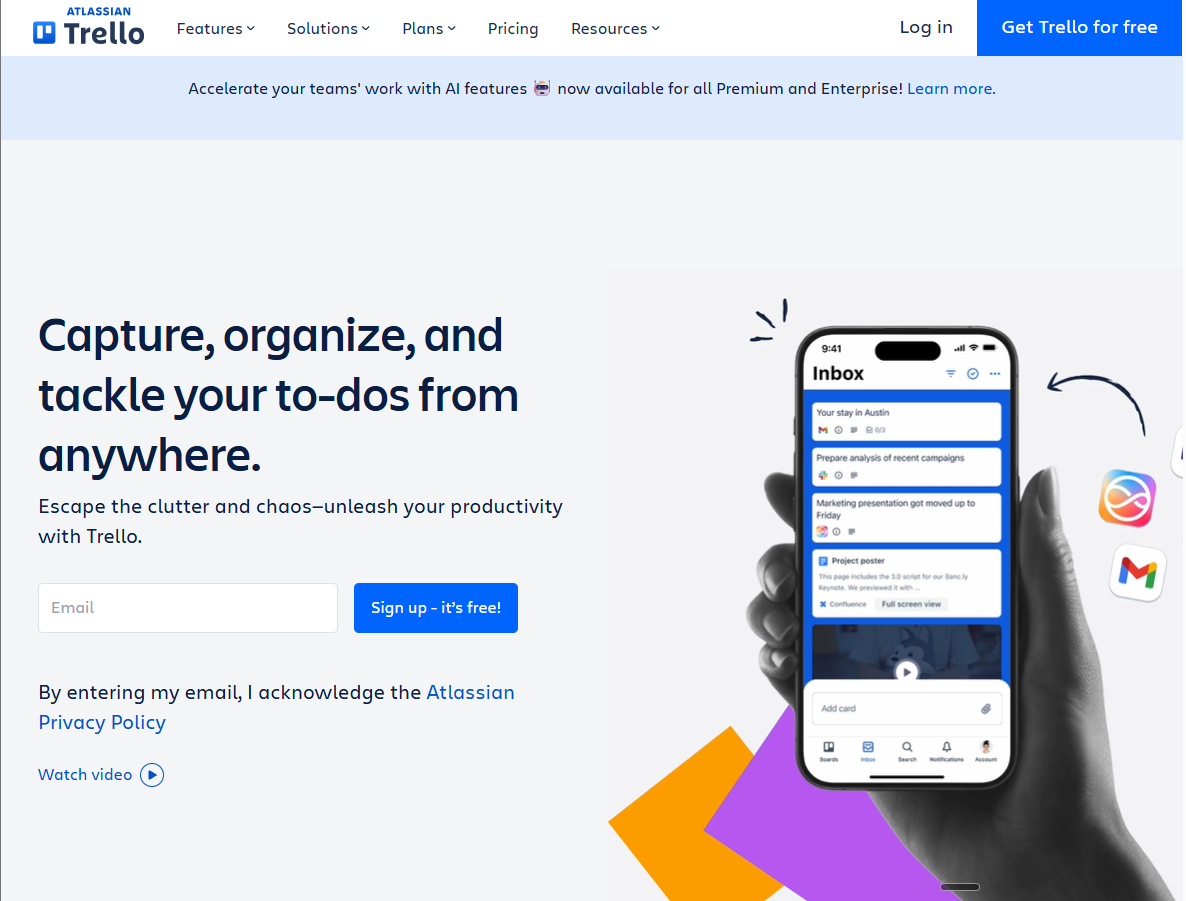
Trello is a highly visual, beginner-friendly project management tool that organizes tasks into digital boards and lists. It uses a drag-and-drop Kanban system to track your work's progress through custom stages like "To Do," "In Progress," and "Done."
While its clean interface allows teams and clients to understand a project workflow in seconds, it lacks built-in tools for complex data tracking or deep software integrations. This makes Trello perfect for managing simple, linear tasks, but larger agencies may find its minimal features limiting for complex workflows.
Trello keeps work on a visual board:
Priced per user, billed annually unless noted:
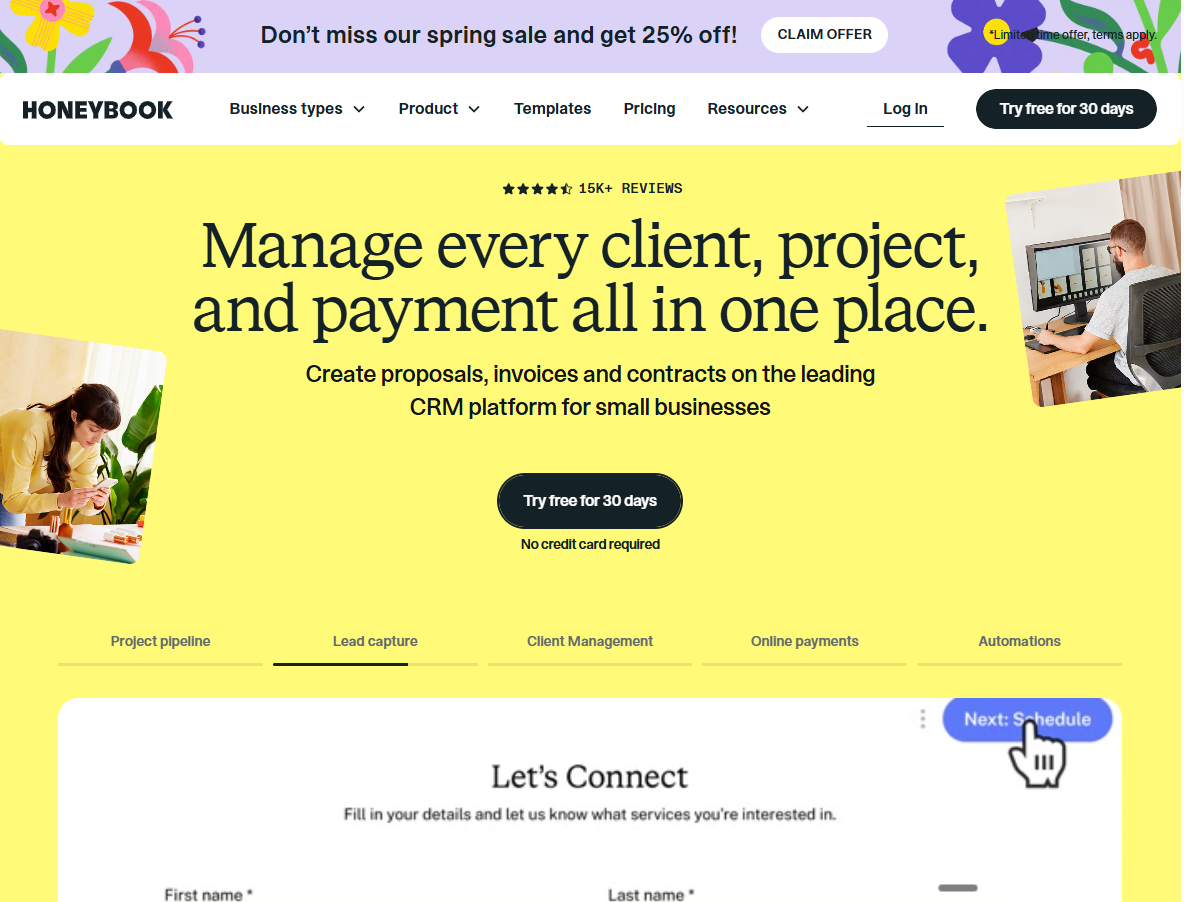
HoneyBook is a clientflow platform built for independent contractors and small service businesses. It manages the full path from first inquiry to final payment: lead capture, proposals, contracts, scheduling, invoices, and payments, with a client portal for each project. For a solo photographer or a small studio booking project work, it’s a clean way to run the business. But it’s somewhat a mismatch when built around the booking-to-payment flow of project work, not an open queue of recurring requests from subscription clients.
HoneyBook runs the path from inquiry to payment:
Card fee 2.9% plus 25 cents; ACH 1.5%:
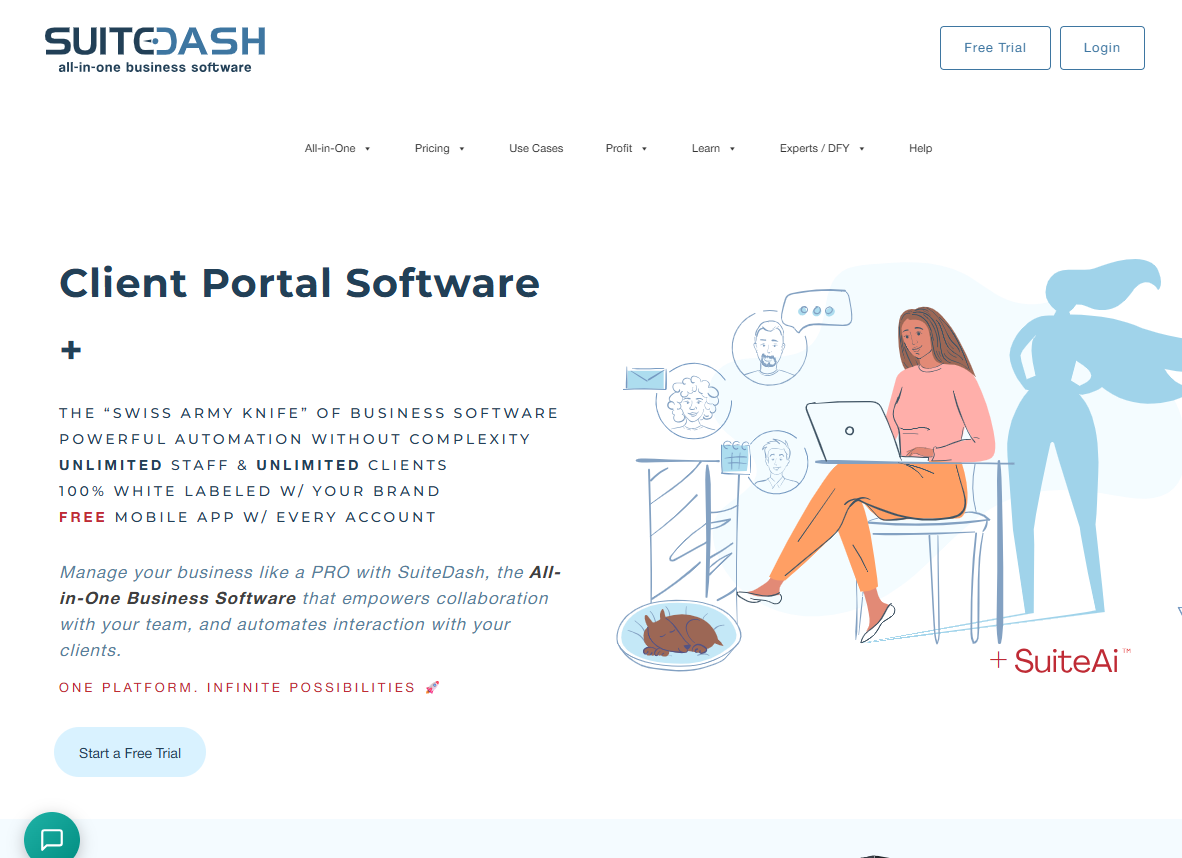
SuiteDash is a platform designed to run almost every part of a service business from a single system. It combines a client portal, project management, invoicing, proposals, e-signatures, email marketing, and more in one place.
For businesses that want an all-in-one operating system, the value is hard to ignore. You get a broad set of tools at a relatively low cost, which can reduce the need for multiple subscriptions and disconnected workflows.
The trade-off is that breadth comes at the expense of simplicity. Because SuiteDash is built to serve many business functions, it can feel heavier and more complex than a dedicated client-request platform. For small creative and productized-service agencies, the extra modules add learning curve and administrative overhead without directly improving day-to-day request management.
SuiteDash bundles a whole business into one suite:
Unlimited users on all tiers; 14-day trial:
ManyRequests might not be the answer if you only need an internal task manager or a general business suite where client requests are just one small part of the operation. It also makes less sense for teams that sell mostly one-off projects or manage very few recurring clients. But once your agency has recurring client requests, needs visible queues, approval flows, and wants to see profitability per client in one clean view, ManyRequests becomes the stronger fit. It gives agencies the full request-to-revenue system in one place without the need to patch separate tools.
See how ManyRequests helps organize your agency’s operations in one platform so you can spend more time doing the work you love. Sign up for a 14-day free trial →
You can create the workflow itself in an afternoon, although you’d need to dedicate more time to migrate your existing clients. The order matters more than the tool, so run these five steps whether you choose ManyRequests or not.
Then tell clients where they should send new requests from now on. You can start with a quick email that reads:
"Quick update on how we work together. Starting (on date), all requests go through your portal at (link) instead of email or Slack. It means your requests don't get lost, you can see status anytime without waiting on me, and everything for your account lives in one place. Email me directly only if something is urgent and the portal is down."
Set a clear cutoff date, then hold it. A request that arrives by email after the cutoff gets a friendly nudge back to the portal, not a quiet exception.
For a productized agency, the request itself is rarely the hard part. The real challenge is keeping every brief, owner, file, status update, client message, and payment connected in one workflow.
That is what separates a task manager from a true client request management system. Project management tools can organize internal work, and clientflow tools can help with one-off bookings, but recurring service delivery needs a system that carries each request from client intake to delivery, billing, and reporting.
ManyRequests is built for that full request-to-revenue loop under your own brand. Start a 14-day free trial, no card required, and onboard your next client with ManyRequests to see how it helps.
1. What is client request management software?
Client request management software helps agencies collect, organize, track, and deliver client requests in one place. Instead of using email, Slack, forms, and spreadsheets, clients submit requests through a portal and follow the status from start to finish.
2. How do productized agencies manage client requests?
Productized agencies manage requests with structured forms, a shared request queue, clear assignment rules, and client-visible statuses. This keeps every brief, file, message, and update in one system instead of scattered across different tools.
3. Can client request management software handle subscription billing?
Yes, the right platform can connect requests to subscriptions, retainers, or recurring plans. This matters because agencies need to see the work tied to each client’s payment, not just manage tasks separately from revenue.
4. How do I stop clients from sending requests through email and Slack?
Give clients one clear place to submit requests, explain why the portal is now the main channel, and set a cutoff date. After that, redirect any email or Slack request back to the portal so the new habit sticks.
1. See how ManyRequests works in real life. Start a free trial and experience how productized agencies centralize requests, reduce chaos, and streamline delivery, without changing their entire workflow.
2. Read our Implementation Guide to launch smoothly with your team and clients.
3. Follow us on LinkedIn and YouTube for practical agency growth strategies
4. Check out The Productize Blueprint to learn how to turn your services into a scalable, productized offer.
Peace Akinwale is a B2B SaaS content writer and strategist who creates BOFU content and how-to articles that drive measurable growth for software companies and agencies. Over six years, he's worked with clients like Marker.io, Pangea.ai, Spicy Margarita agency, and HigherVisibility to turn technical topics into content that converts, and has helped a client achieve 233% organic traffic growth within six months of taking over their blog.